

Plugin #1 para Clonar Sites WordPress
Clonagem de Sites WordPress em 1 Clique
Duplicator clona todo o seu site WordPress com 1 clique, sem necessidade de código. Perfeito para sites de staging, sandbox ou migração de sites.
 Clone Full Site
 Drag-and-Drop Import
 Staging Site
 Hosting Migration
 Domain Migration
 Local WP Migration



Algumas das Empresas Incríveis que usam o Duplicator



Finalmente, um Plugin para Clonar Sites WordPress que é Fácil e Poderoso
Duplicator facilita a criação e implantação de sites WordPress clonados. Aqui estão os recursos que tornam o Duplicator o melhor plugin de clonagem WordPress do mercado.

Clone Sites Completos
Clone facilmente todo o seu site WordPress com 1 clique, incluindo todos os plugins, temas, arquivos e configurações de banco de dados.

Importação Arrastar e Soltar
Migre sites clonados para um novo host ou servidor em minutos com as ferramentas de upload arrastar e soltar do Duplicator.

Importação de Servidor para Servidor
Economize mais tempo importando sites clonados diretamente por link de URL, sem necessidade de download ou upload de arquivos.

Migração Local de WP
Mova com segurança entre um ambiente local e um servidor ao vivo sem quebrar seu site ou lidar com tarefas manuais complexas.

Busca e Substituição Integradas
Todos os vestígios do seu domínio são atualizados automaticamente, economizando horas de trabalho manual e problemas de SEO do site.

Sites de Staging Seguros
Use a clonagem em 1 clique para criar sites de staging idênticos que você pode atualizar ou corrigir com segurança sem afetar a versão ao vivo.

Migração de Sites Grandes
Use o formato de arquivo DupArchive para migrar rapidamente e facilmente sites clonados de até 400 GB (e maiores).

Implantação Automática
Duplicator descompacta automaticamente seu site no novo destino para que você possa ficar online mais rápido.

Pule a Instalação do WordPress
Lance em seu novo destino sem instalar o WordPress. O Duplicator é o único plugin de migração que funciona em um site vazio.

O que nossos usuários dizem sobre nós

 4.9/5 on WordPress
“Não acredito como foi fácil duplicar um site WordPress! Você nem precisa instalar o WordPress primeiro.”

“Eu uso o Duplicator há anos e ele é simples e funciona.”
“Eu uso este plugin há uma década e o recomendo fortemente. Ele só melhora. Obrigado à equipe!”
Why 1.5 Million+ Users Love  Duplicator 1-Click WordPress Website Cloning
Aqui estão apenas algumas razões pelas quais milhões de proprietários de negócios inteligentes, profissionais de marketing e desenvolvedores web confiam no Duplicator para clonar seus sites WordPress de forma rápida e fácil.
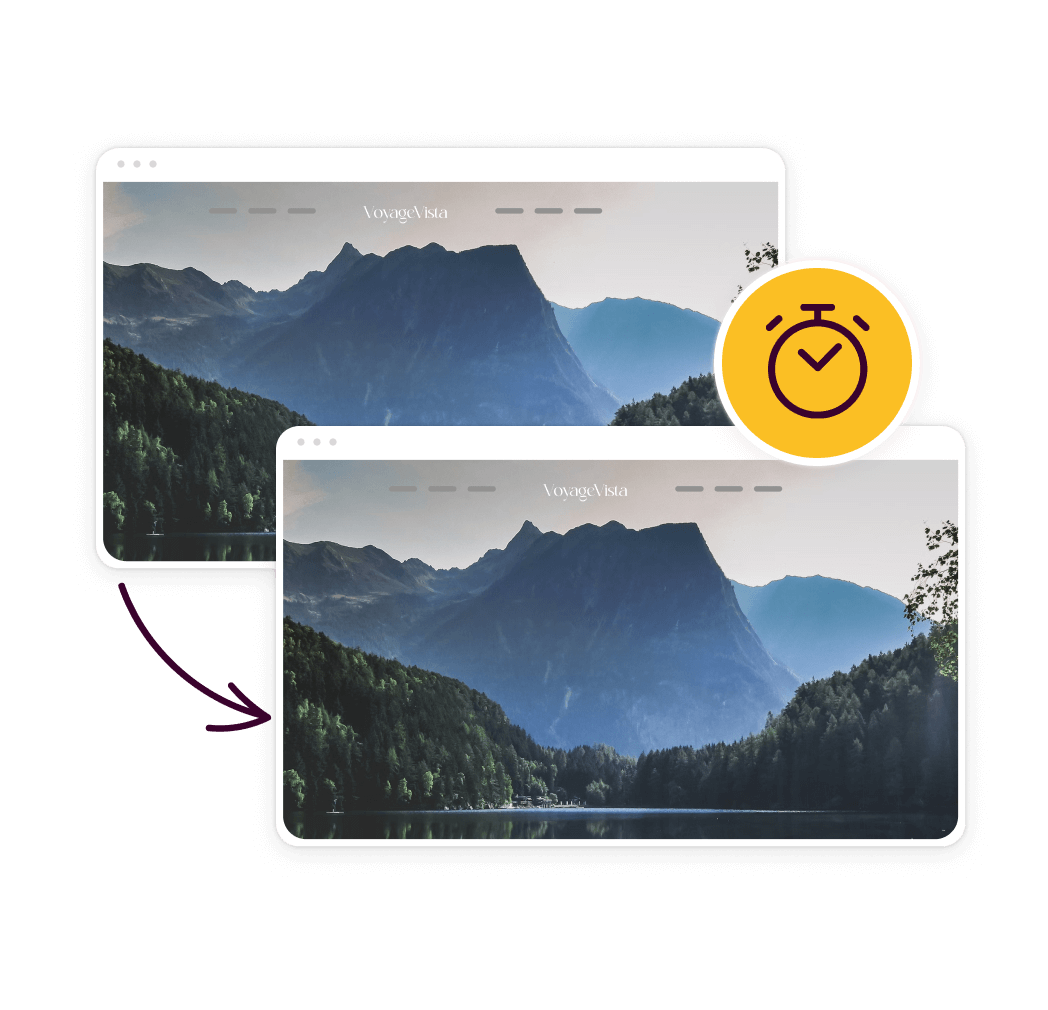
Clone e Migre Sites WordPress em Minutos
Duplicator economiza horas, pulando tarefas demoradas de download de FTP e banco de dados. Com suas ferramentas de migração fáceis de usar e arrastar e soltar, até mesmo iniciantes em WordPress podem mover seu site para um novo servidor de forma rápida e fácil.
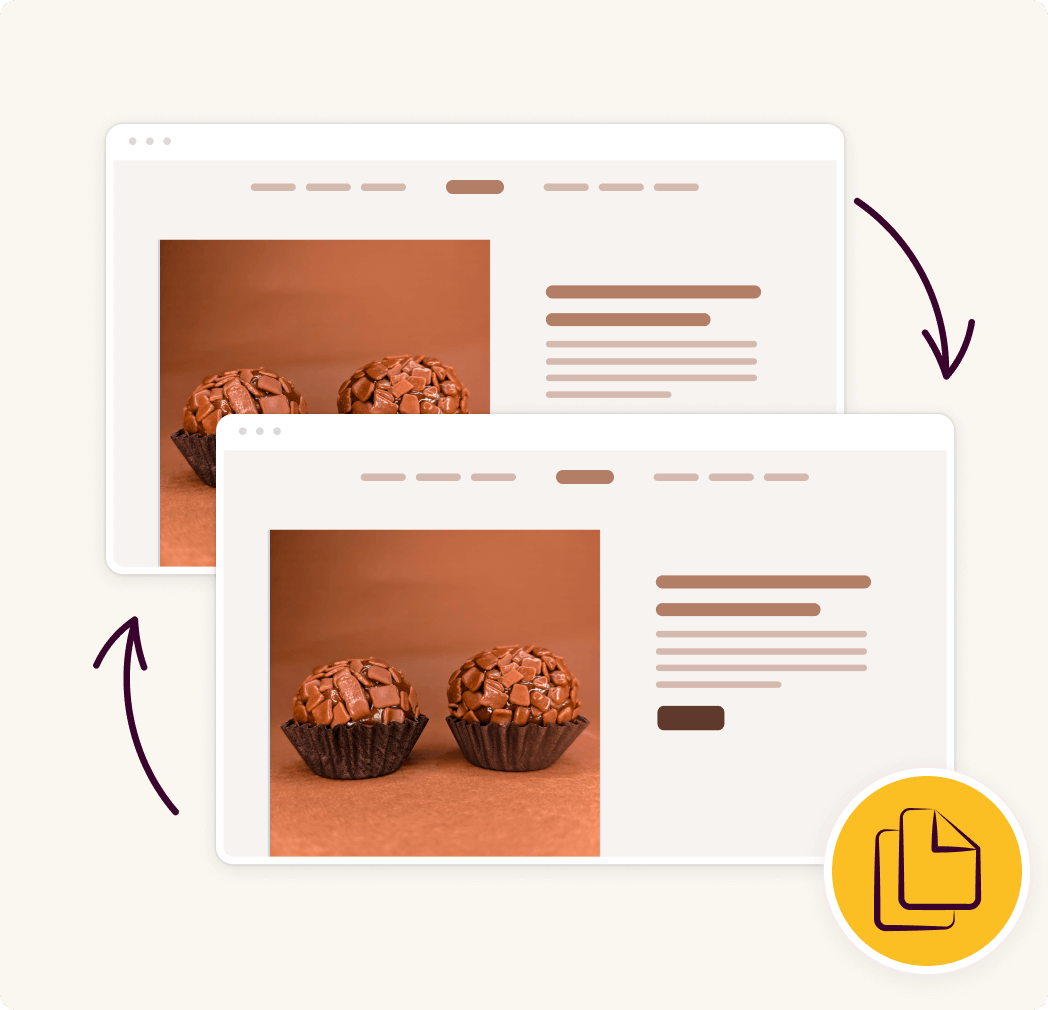
Migre com Segurança Sem Tempo de Inatividade ou Perda de Dados
Preocupado com tempo de inatividade ou perda de dados durante as migrações? Clonar em vez de trabalhar no site real garante nenhuma interrupção. Prepare o site clonado com segurança no backend e, em seguida, reimporte o site atualizado quando terminar.
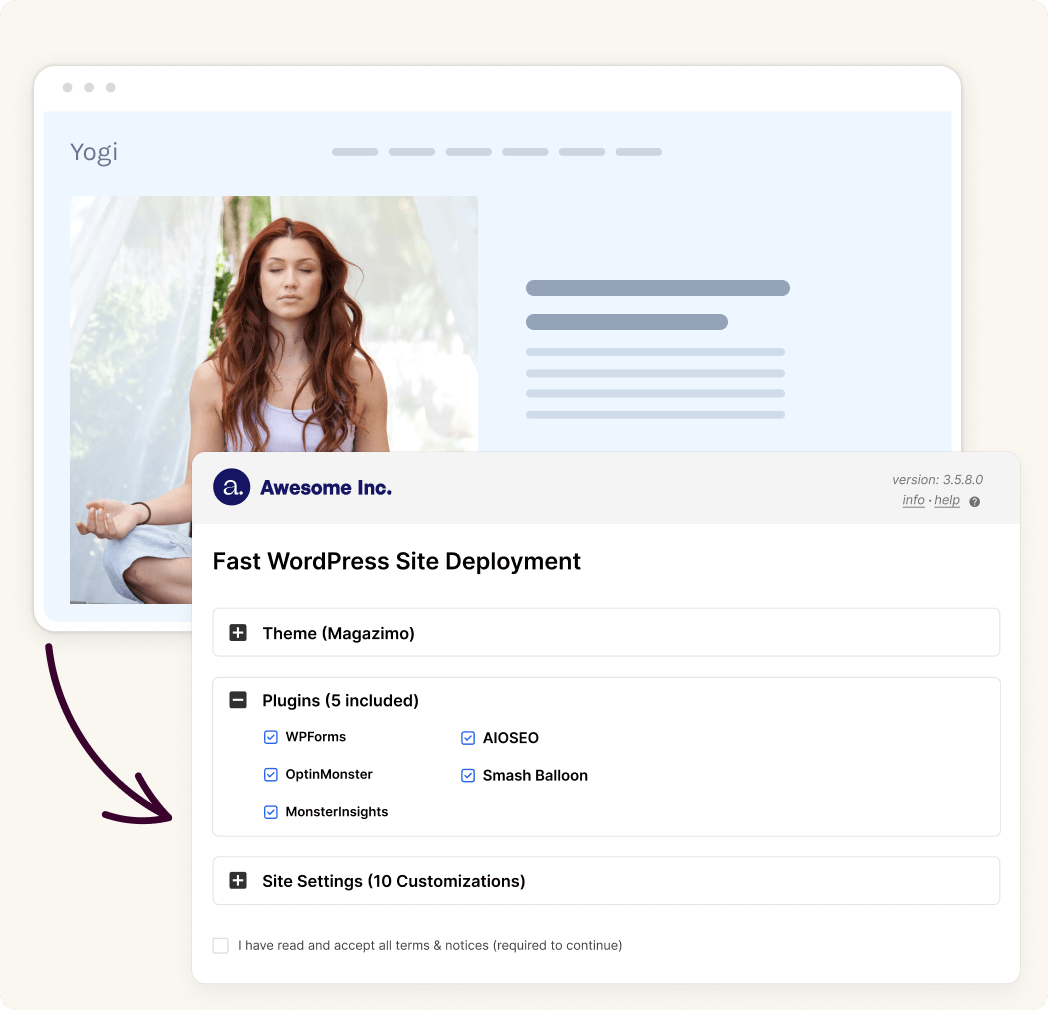
Implante Sites Clonados Instantaneamente em um Novo Host ou Servidor
A implantação de sites clonados em um novo servidor ou host pode ser feita em minutos, sem trabalho manual ou complicações. Basta iniciar o instalador de 2 etapas do Duplicator (que é empacotado com cada clone) para configurar e descompactar seu site automaticamente.
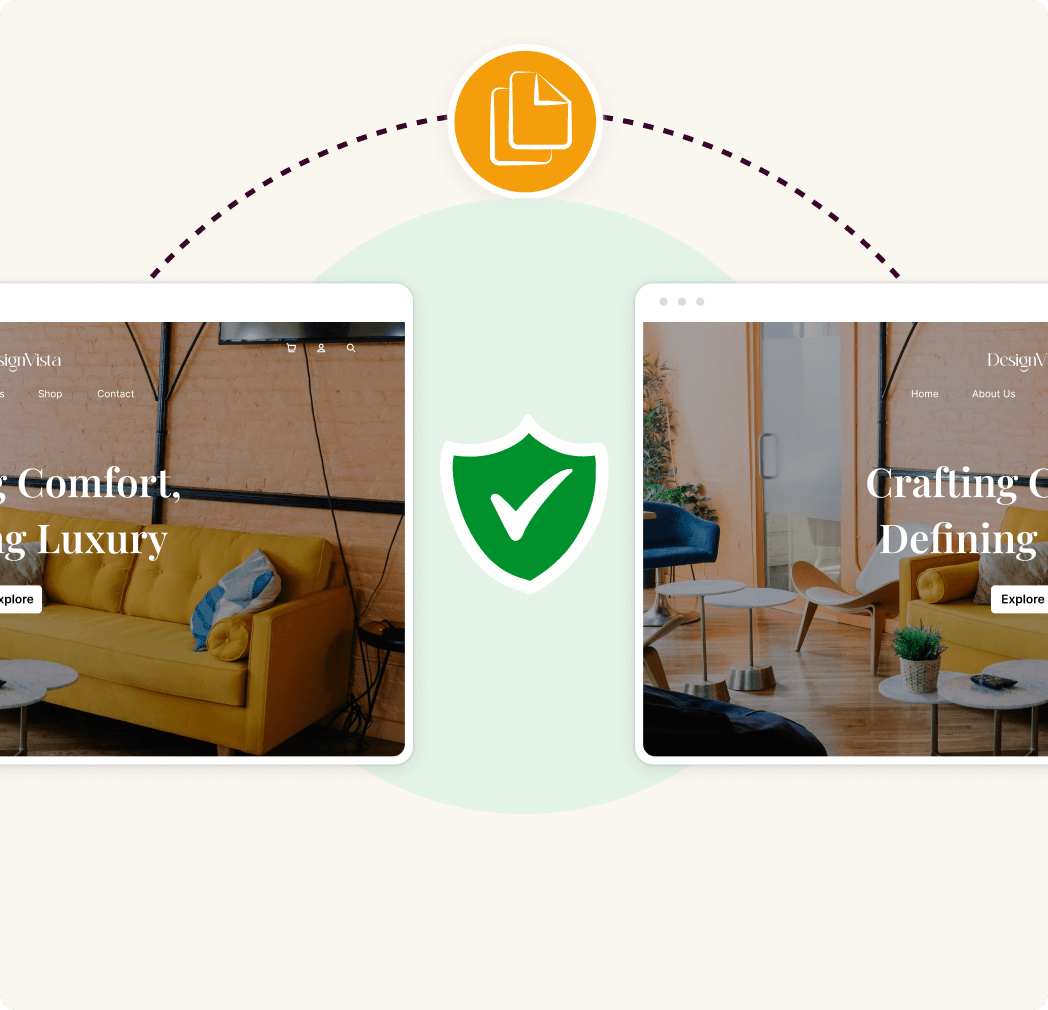
Clone Sites para Ambientes de Staging para Testes Seguros
Precisa corrigir ou fazer alterações sem afetar seu site ao vivo? Clonar seu site para um ambiente de teste ou sandbox é a opção mais segura. Clones podem ser facilmente importados para seu ambiente de teste para correções e atualizações, e depois rapidamente implantados de volta ao vivo em minutos.
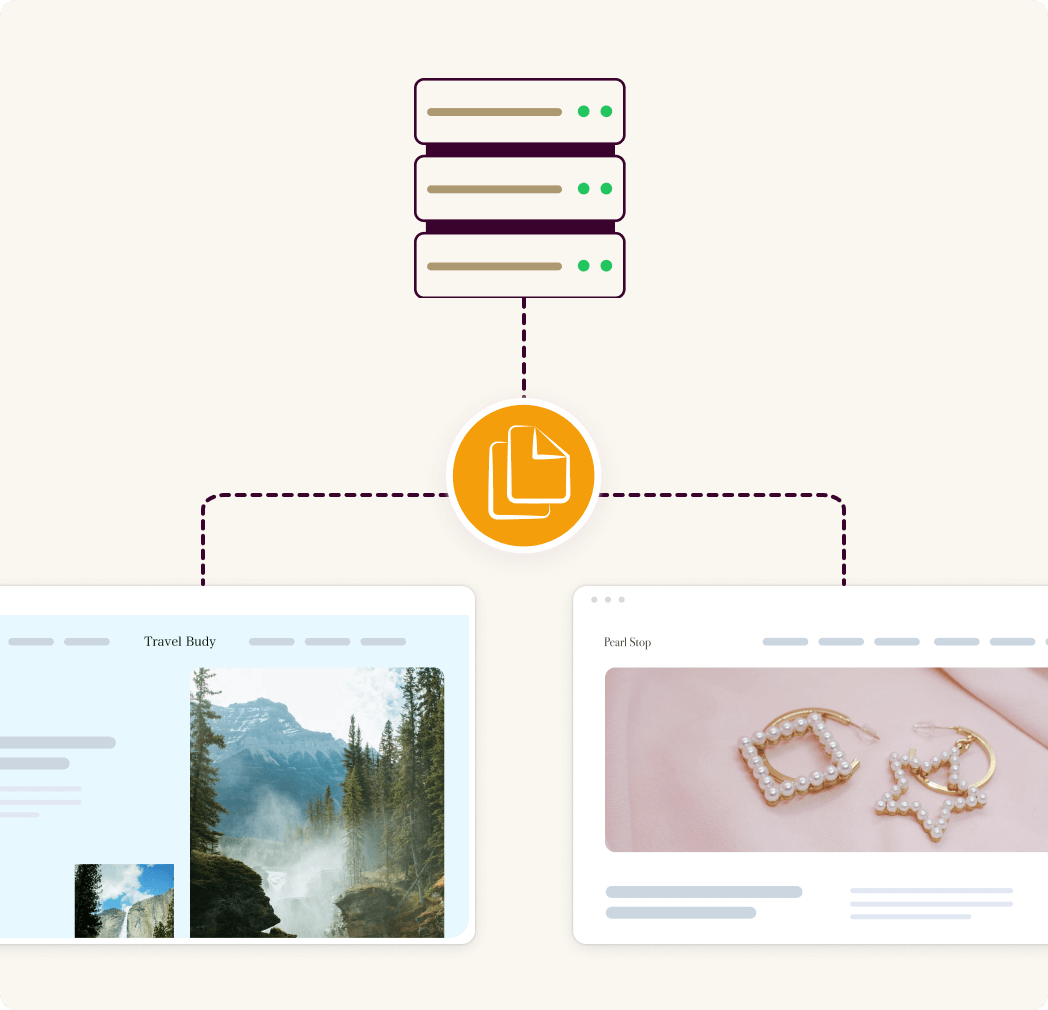
Clone e Migre Sites WordPress Grandes com Facilidade
Não importa o tamanho do seu site, o Duplicator torna rápido e fácil cloná-lo e migrá-lo. Seja uma loja WooCommerce ou uma grande rede Multisite, o formato DupArchive do Duplicator facilita o trabalho com sites de até 400 GB (e maiores).
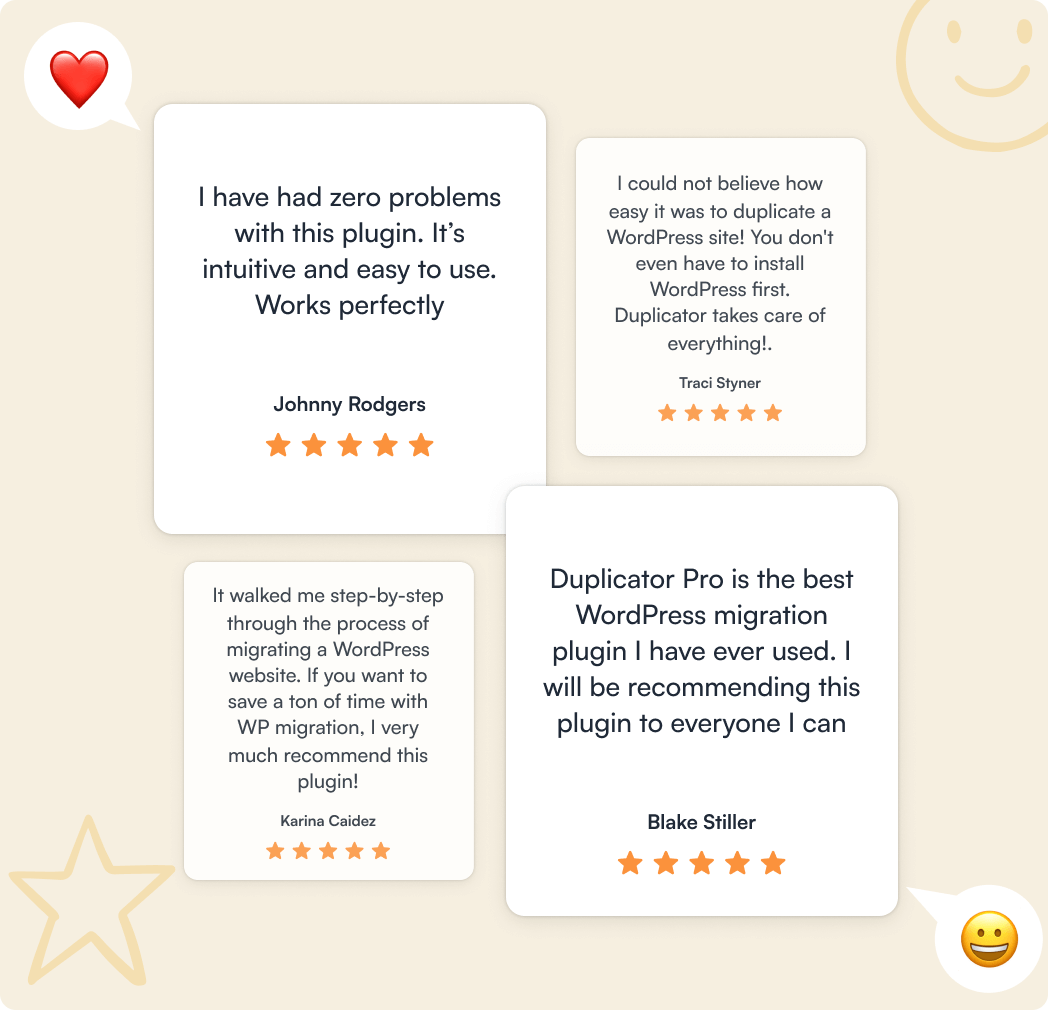
Obtenha Suporte Especializado de uma Equipe Líder no Setor
Precisa de ajuda com rollbacks do WordPress ou recuperação de desastres? Nossa equipe especializada está sempre à disposição para ajudá-lo. Com profundo conhecimento da plataforma e mais de 4.000 avaliações 5 estrelas, nossa reputação fala por si.
Obtenha o Melhor Plugin de Clonagem do WordPress
Use a clonagem do WordPress com 1 clique do Duplicator para migrar com segurança sem tempo de inatividade ou crie sites de staging seguros. Clone seu site inteiro em segundos, sem necessidade de codificação.
Get Duplicator NowPlugin de Clonagem de Sites WordPress - Perguntas Frequentes
Tem dúvidas sobre o Duplicator? Veja a lista abaixo para nossas perguntas mais frequentes. Se sua pergunta não estiver listada aqui, entre em contato conosco.


