

Establece un punto de recuperación ante desastres para que puedas volver a estar en línea rápidamente, incluso si te bloquean el acceso a tu sitio web debido a un error crítico o un hackeo.
Copias de Seguridad de Almacenamiento de Objetos de Linode de "Configurar y Olvidar" en tu Horario
#1 Plugin de Copia de Seguridad de WordPress de Almacenamiento de Objetos de Linode
Almacenamiento de Objetos de Linode Seguro Para Copias de Seguridad de WordPress
Duplicator hace que las copias de seguridad de WordPress en el almacenamiento de objetos de Linode sean sencillas. Haz una copia de seguridad automática de tu sitio web en un almacenamiento de objetos seguro y restáurala con 1 clic en cualquier momento.

Conexión Fácil con Linode

Automáticas
Copias de Seguridad

Cifrado de grado militar

Restauración en
1 clic

Asistente
de Recuperación

Almacenamiento
de Objetos



ALGUNAS DE LAS IMPRESIONANTES EMPRESAS QUE USAN DUPLICATOR

Finalmente, un Plugin de Copia de Seguridad de Almacenamiento de Objetos de Linode para WordPress que es Fácil y Potente
Duplicator facilita la copia de seguridad de tu sitio web de WordPress en el Almacenamiento de Objetos de Linode. Estas son las características que hacen de Duplicator el mejor plugin de copia de seguridad de Almacenamiento de Objetos de Linode para WordPress del mercado.

Sincronización de cuentas sencilla
Conecta fácilmente tu cuenta de Almacenamiento de Objetos de Linode en solo unos pocos clics. Duplicator hace que el proceso de sincronización sea rápido y fácil para principiantes.

Copias de seguridad automáticas
Protege tus archivos, base de datos, plugins y temas 24/7 con copias de seguridad automatizadas. Programa fácilmente para que se ejecuten cada hora, día, semana o mes.

Restauración en 1 Clic
Restaura rápida y fácilmente copias de seguridad de sitios web de Almacenamiento de Objetos de Linode directamente desde tu panel de Duplicator para volver a estar en línea en minutos.

Cifrado Seguro de Copias de Seguridad
El cifrado de grado militar mantiene tus copias de seguridad de Almacenamiento de Objetos de Linode seguras y privadas, incluso si los servidores de Linode se ven comprometidos.

Recuperación ante desastres

Limitar copias de seguridad
Establece el número máximo de copias de seguridad almacenadas en tu Almacenamiento de Objetos de Linode para que no superes accidentalmente el límite.

Copias de seguridad parciales
Restaura sitios más rápido y ahorra espacio de almacenamiento haciendo copias de seguridad solo de lo que necesitas. Elige entre opciones de copia de seguridad solo de base de datos, solo de medios o personalizadas.

Asistente de restauración
El asistente de recuperación en 2 pasos de Duplicator es fácil de seguir, ahorra horas de trabajo manual y pone tu sitio en línea en minutos.

Almacenamiento adicional
Establece el número máximo de copias de seguridad almacenadas en tu Almacenamiento de Objetos de Linode para que no superes accidentalmente el límite.
Ver todas las características
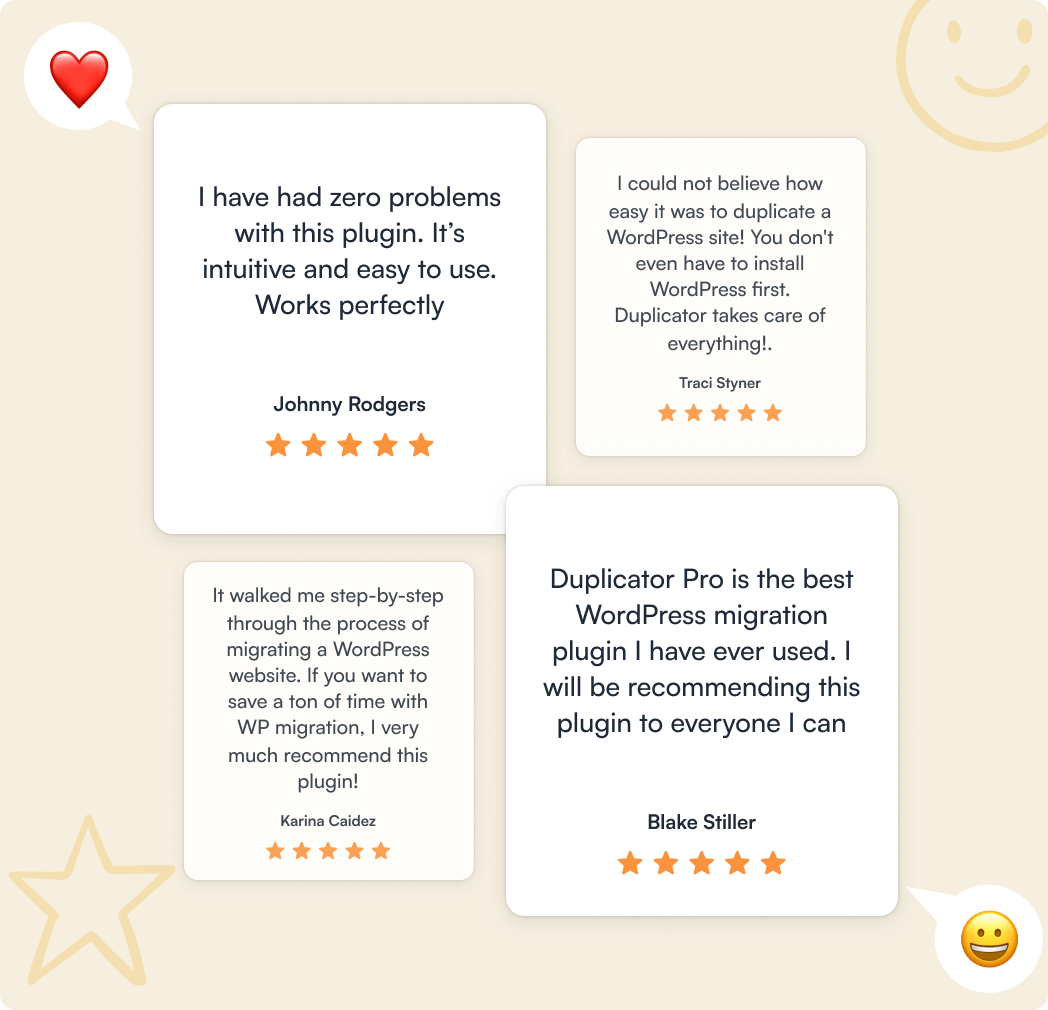
Lo que dicen nuestros usuarios sobre nosotros


4.9/5 on WordPress

“Duplicator proporciona una herramienta fácil de usar para hacer copias de seguridad de mi sitio o transferirlo a otra ubicación.”
 Richard McAdams
“Durante años, he utilizado Duplicator para hacer copias de seguridad de mis sitios web de WordPress o transferirlos de un host a otro. Nunca me ha decepcionado.”
David Wampamba“He usado este plugin durante una década y lo recomiendo encarecidamente. Sigue mejorando. ¡Gracias al equipo!”
Rex HuntWhy 1.5 Million+ Users Love  Duplicator For Linode Object Storage Site Backups
Aquí tienes solo algunas de las razones por las que millones de propietarios de negocios inteligentes, especialistas en marketing y desarrolladores web confían en Duplicator para restaurar fácil y de forma segura sus sitios web de WordPress a partir de copias de seguridad de Almacenamiento de Objetos de Linode.
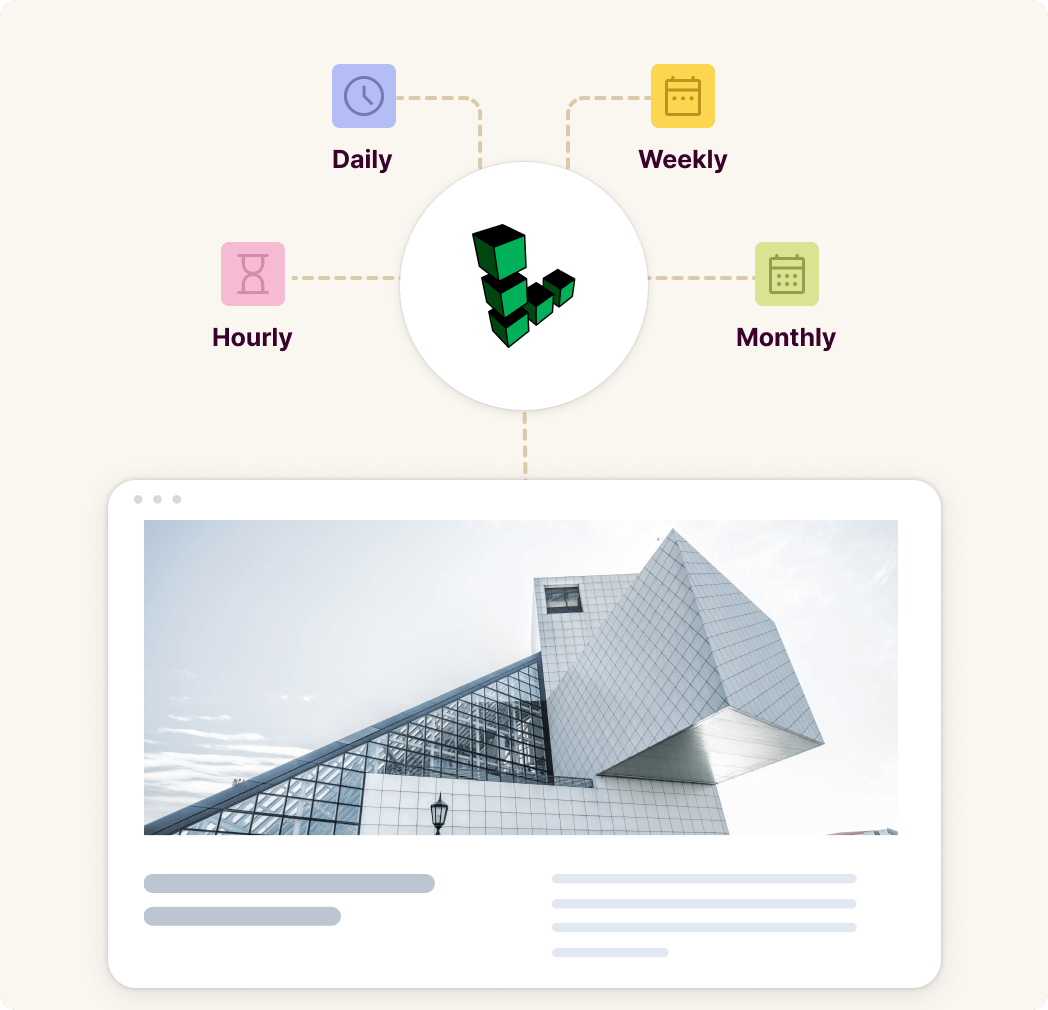
Configura y olvídate de las copias de seguridad del almacenamiento de objetos de Linode en tu horario
No más recordatorios para realizar copias de seguridad manuales regulares. Programa copias de seguridad horarias, diarias, semanales o mensuales completamente automatizadas y mantén tu sitio web seguro 24/7.
Libera más tiempo para concentrarte en tu negocio, sabiendo que tus archivos y base de datos están seguros y son fácilmente recuperables de errores críticos o tiempos de inactividad inesperados.
Conecta y Haz Copias de Seguridad en Almacenamiento de Objetos de Linode en Minutos
La integración incorporada de Duplicator con todos los proveedores de almacenamiento remoto populares hace que la conexión al Almacenamiento de Objetos de Linode sea rápida y fluida.
Sincroniza tu cuenta en minutos y empieza a aprovechar el Almacenamiento de Objetos de Linode seguro. Ahorra espacio en el servidor local y no vuelvas a perder datos críticos.
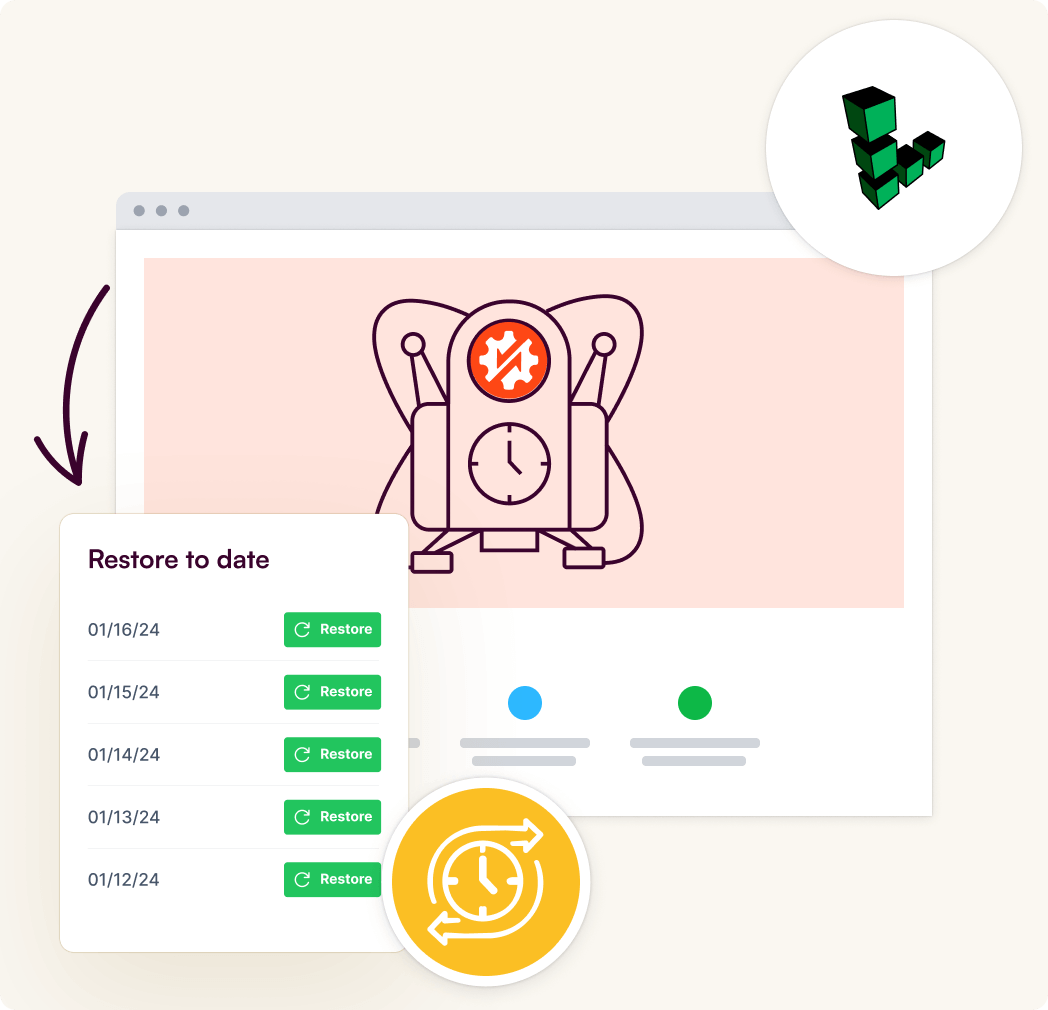
Restaura fácilmente copias de seguridad de Almacenamiento de Objetos de Linode con 1 clic desde WordPress
Duplicator te ahorra tiempo al permitirte restaurar copias de seguridad de Almacenamiento de Objetos de Linode directamente desde tu panel de WordPress.
No necesitas salir de la interfaz de Duplicator, simplemente restaura con 1 clic una copia de seguridad de Almacenamiento de Objetos de Linode y revierte a un sitio web sin errores en minutos.
Protege tus datos con cifrado seguro de copias de seguridad
Duplicator utiliza cifrado AES-256 de grado militar para que tus copias de seguridad de Almacenamiento de Objetos de Linode sean ilegibles para usuarios no autorizados, asegurando que solo tú puedas acceder o restaurarlas.
Ten la tranquilidad de saber que los datos de tu sitio están privados y protegidos, incluso si los servidores de Linode se ven comprometidos.
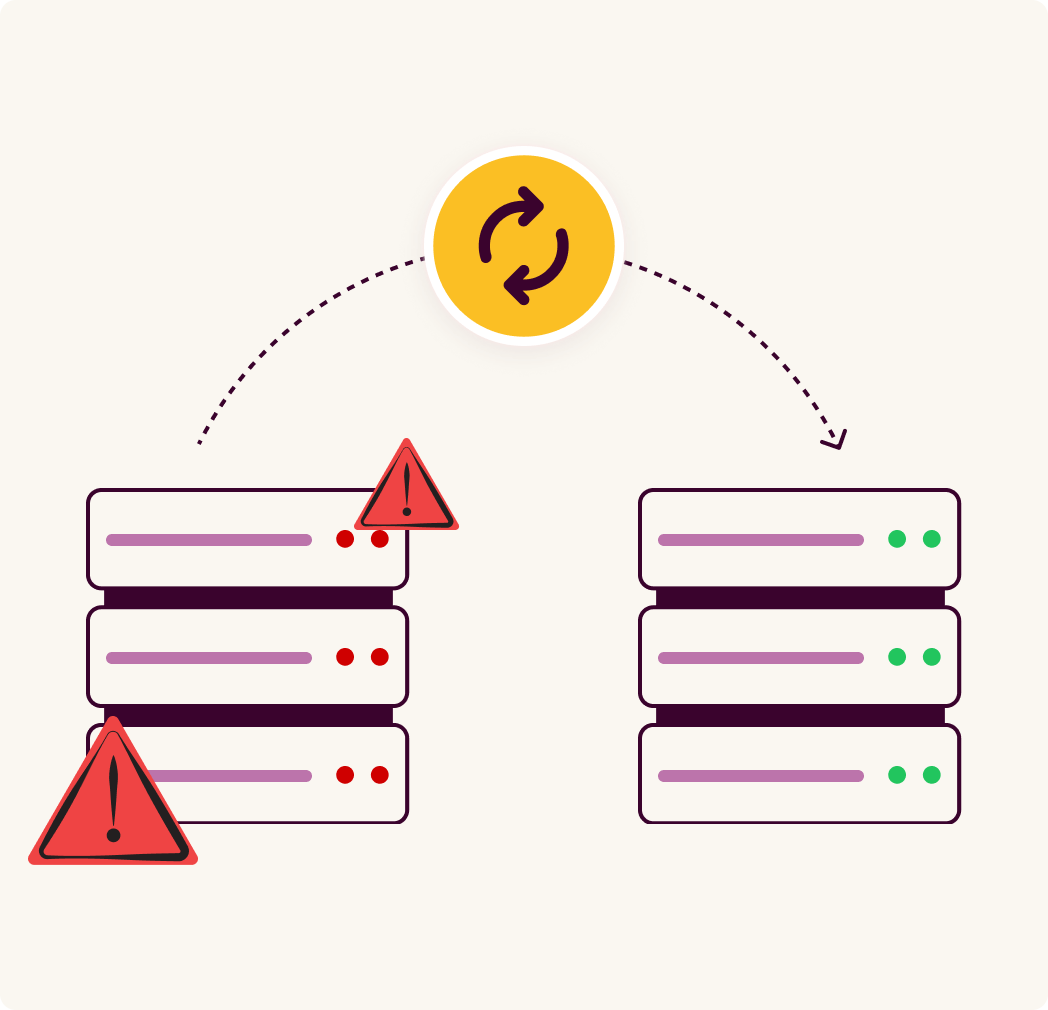
Recupera rápidamente de desastres catastróficos del sitio web
¿Bloqueado de su sitio web por un desastre sin forma de restaurar una copia de seguridad sin errores?
La recuperación automática ante desastres a prueba de fallos de Duplicator restaura su sitio, devolviéndole a la línea rápidamente para minimizar la pérdida de visitantes y ventas.
Obtén Soporte de Clase Mundial de un Equipo Experto
Con más de 4.000 reseñas de 5 estrellas, nuestro equipo de soporte ha sido reconocido como líder en la industria por nuestros clientes.
Siempre estamos disponibles para echarle una mano cuando la necesite. Nuestro equipo de soporte está compuesto por expertos en WordPress con un profundo conocimiento de la plataforma.
Obtén el Mejor Plugin de Copia de Seguridad de Almacenamiento de Objetos de Linode para WordPress
Protege tu sitio web 24/7 con las copias de seguridad seguras de Almacenamiento de Objetos de Linode de Duplicator. Mantente en línea y minimiza las interrupciones con la reversión en 1 clic y la recuperación automática ante desastres.
Plugin de Copia de Seguridad de Almacenamiento de Objetos de Linode para WordPress – Preguntas Frecuentes
¿Tiene preguntas sobre Duplicator? Consulte la lista a continuación para ver nuestras preguntas más frecuentes.
Si su pregunta no aparece aquí, póngase en contacto con nosotros.
¿Quién debería usar Duplicator?
Duplicator es perfecto para propietarios de negocios, bloggers, diseñadores, desarrolladores, fotógrafos y, básicamente, para todos los demás. Si desea crear una copia de seguridad o migración de WordPress, entonces necesita usar Duplicator.
¿Qué se necesita para usar Duplicator?
Duplicator es un plugin de WordPress. Para usar Duplicator, debe tener un sitio de WordPress autoalojado. Eso es todo.
¿Necesito conocimientos de codificación para usar Duplicator?
Absolutamente no. Puede crear copias de seguridad y migraciones sin ningún conocimiento de codificación. Duplicator es la solución de copia de seguridad más fácil de usar para principiantes del mercado.
¿Ralentizará Duplicator mi sitio web?
Absolutamente no. Duplicator está cuidadosamente diseñado teniendo en cuenta el rendimiento. Hemos desarrollado todo con las mejores prácticas y estándares modernos para garantizar que las cosas funcionen de manera fluida y rápida.
¿Puedo usar Duplicator en sitios de clientes?
Sí, puede usar Duplicator en sitios de clientes de dos maneras. O puede comprar la licencia Elite O comprar una licencia adecuada para cada sitio de cliente (sí, puede recomendarlos y ganar una comisión del 20% a través de nuestro programa de afiliados).
¿Tienen un programa de afiliados?
Sí, ciertamente lo tenemos. Nos encantaría tenerle como socio. Visite nuestra página de Afiliados para obtener más información sobre cómo convertirse en afiliado de Duplicator.
¿Están disponibles las copias de seguridad de WordPress de Almacenamiento de Objetos de Linode con la versión gratuita de Duplicator?
No, aunque la versión gratuita de Duplicator es el plugin perfecto de copia de seguridad y restauración de WordPress para empezar. El almacenamiento en la nube solo está disponible con nuestros planes premium asequibles.
¿Puedo hacer control de versiones con mis copias de seguridad de Almacenamiento de Objetos de Linode?
Sí, Duplicator almacena todas las versiones de las copias de seguridad de tu WordPress por separado en Linode Object Storage.
¿Necesito una cuenta de Linode Object Storage para usar las copias de seguridad?
Sí, se requiere una cuenta de Linode Object Storage para usarlo con Duplicator. La conexión de la cuenta es súper sencilla y estarás listo para hacer copias de seguridad en el almacenamiento de Linode Object Storage en cuestión de minutos.
¿Cómo hago una copia de seguridad de mi sitio de WordPress en Linode Object Storage?
Hacer una copia de seguridad de tu sitio web en Linode Object Storage con Duplicator no podría ser más fácil. Simplemente conecta tu cuenta de Linode Object Storage, crea una copia de seguridad y elígela como tu almacenamiento remoto.
¿Están seguros los datos de mi copia de seguridad de Linode Object Storage?
Sí, Duplicator utiliza cifrado de grado militar AES-256 para proteger tus copias de seguridad, asegurando que solo tú puedas acceder o restaurarlas, incluso si los servidores de Linode se ven comprometidos.
¿Cuánto cuesta el almacenamiento de Linode Object Storage?
El coste de Linode Object Storage depende del plan de almacenamiento que selecciones y de la cantidad de espacio requerido. Con Duplicator, puedes reducir los costes de almacenamiento limitando el número de copias de seguridad almacenadas, asegurando que solo pagas por lo que necesitas.


