Duplicator Documentation

Documentation, Reference Materials, and Tutorials for Duplicator

PCextreme — pcextreme.nl


Having trouble with pcextreme.nl hosting using Duplicator Pro? This guide provides practical solutions to troubleshoot with pcextreme.nl hosting and handling effectively.

To begin with, make sure you are using the latest version of Duplicator Pro. Please check the changelog and system requirements.

General Problems

For optimal performance on PCextreme hosting, configure the following settings:

Solutions

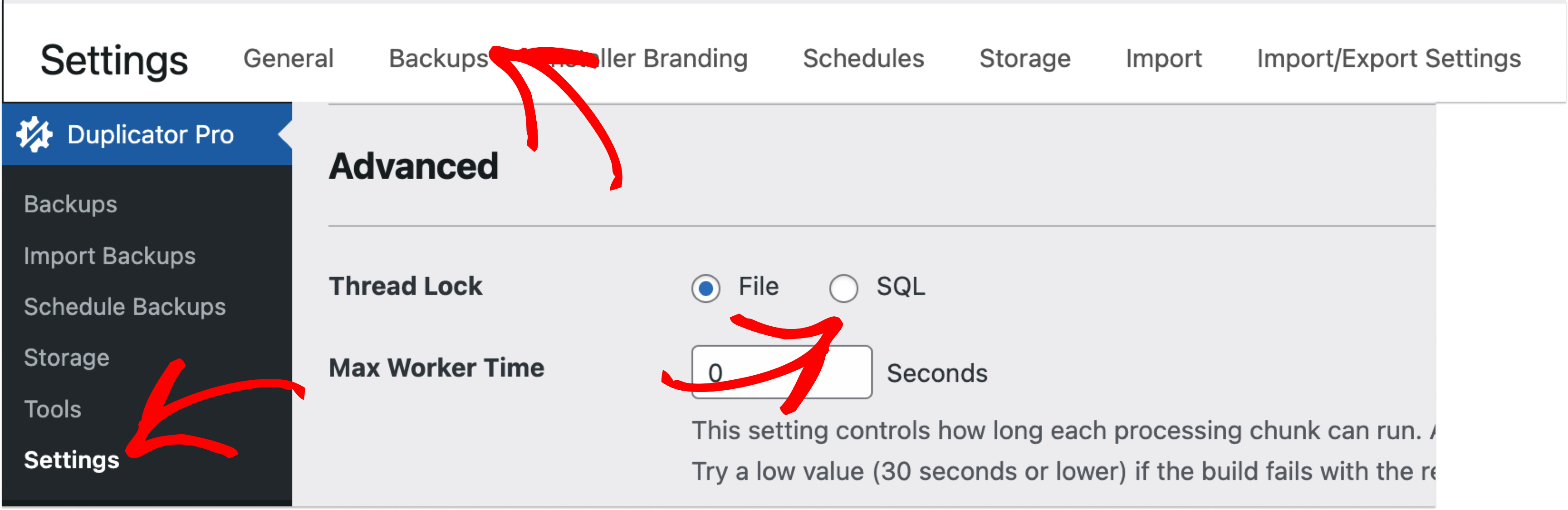
  1. Navigate to Duplicator » Settings » Backups
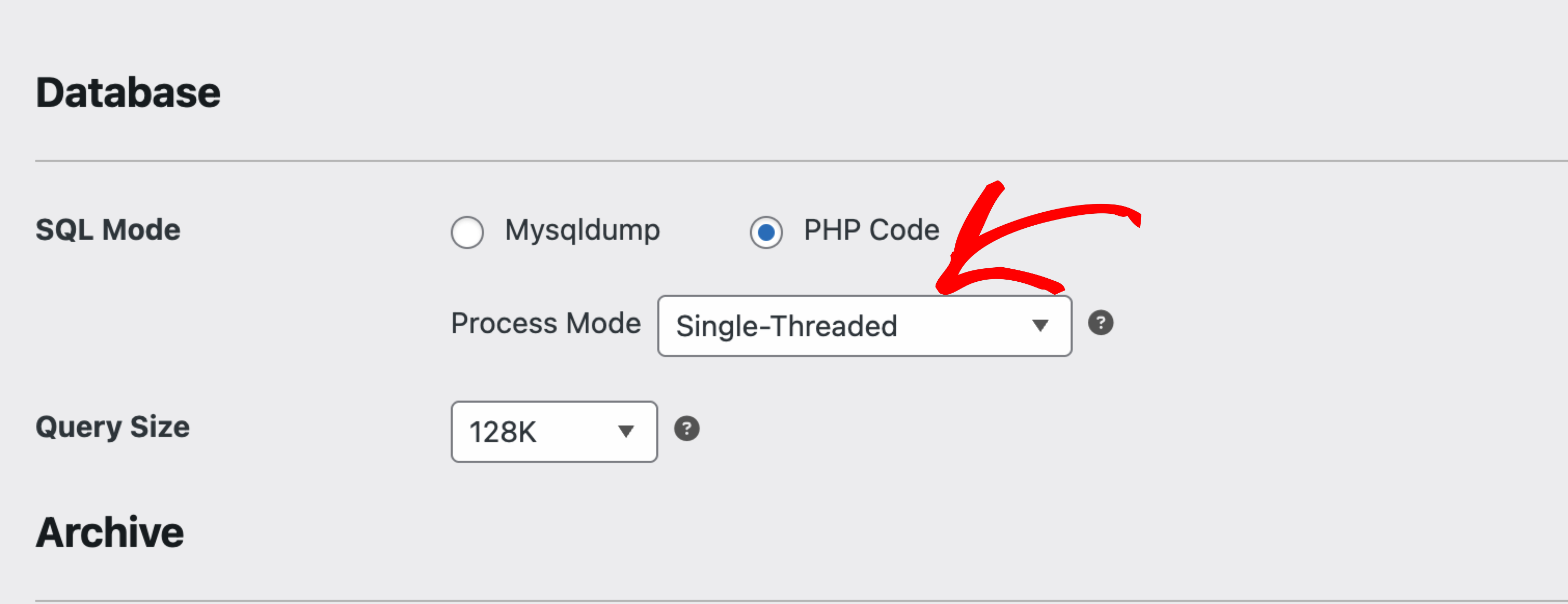
  2. Set ZipArchive to Single Thread mode.
  3. Configure SQL Lock for stability.
  4. Set Max Worker Time to 18 seconds for optimal execution.

Following these settings ensures smooth backup builds on PCextreme hosting.


Was this article helpful?


Related Articles

Don't Let Another Day Pass Unprotected

Every hour without proper WordPress backups puts your site at risk • Every delayed WordPress migration costs you performance and growth

Get Duplicator Now
Duplicator Plugin

Wait! Don't miss your
exclusive deal!

As a customer, you get 60% OFF

Try Duplicator free on your site — see why 1.5M+ WordPress pros trust us. But don't wait — this exclusive 60% discount is only available for a limited time.

or
Get 60% Off Duplicator Pro Now →