

Managing Duplicator Cloud
Following the successful connection of Duplicator Pro with Duplicator Cloud, we will now examine the different capabilities and options of the Cloud service. This article will provide you with a clear overview of the Duplicator Cloud interface and its potential.
Dashboard
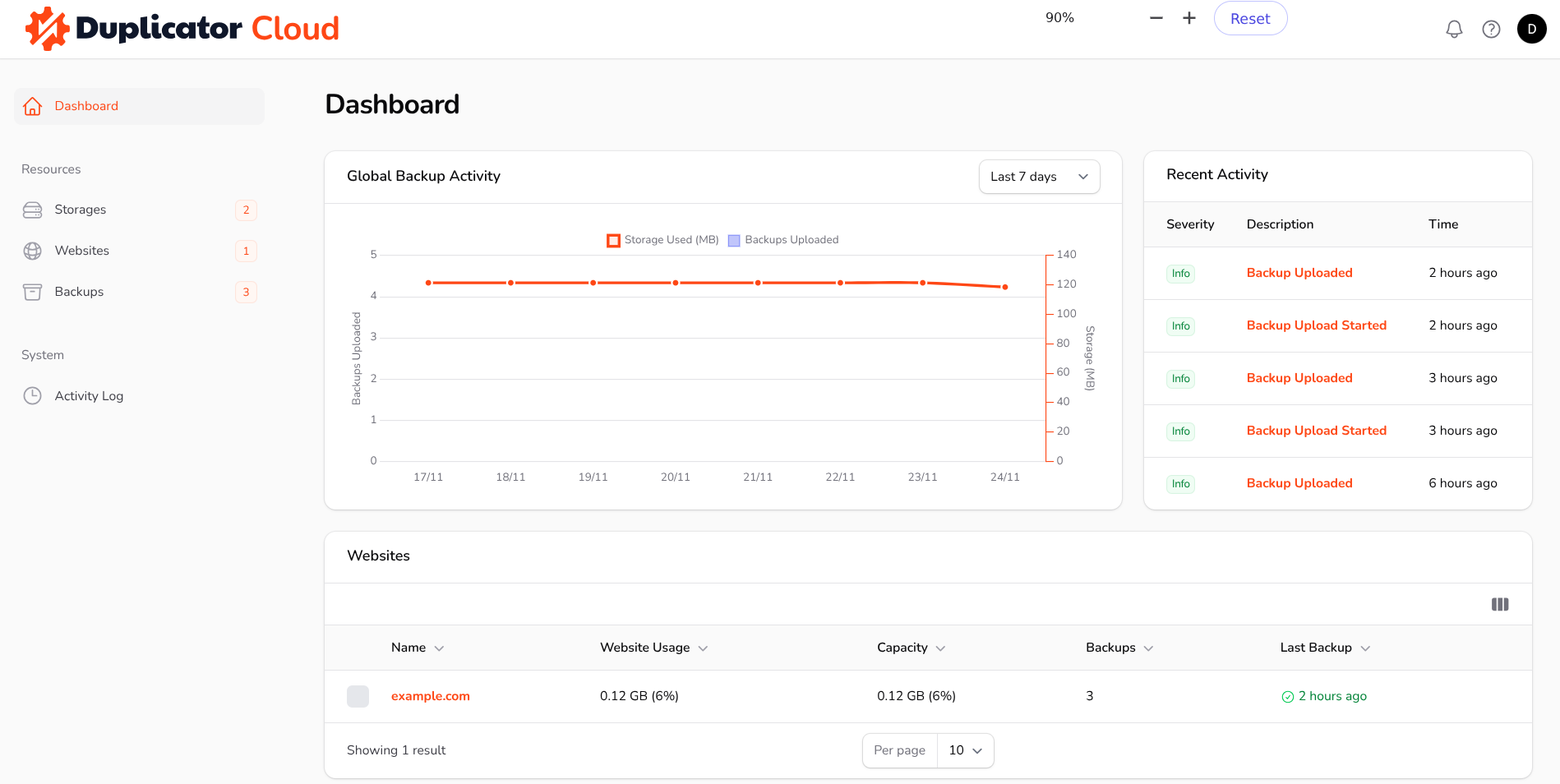
Upon accessing Duplicator Cloud, the initial view presented is the Dashboard. This page provides a quick, comprehensive overview of the most recent data through specialized widgets. The Global Backup Activity widget tracks when and how many backups have been uploaded to Duplicator Cloud, alongside the total size of all currently stored backups. The Recent Activity widget displays a timeline of the latest actions, such as backup uploads and removal, user logins, and other relevant information. Additionally, the page includes the Websites and Latest Backups widgets, which clearly indicate their respective content.
Storages
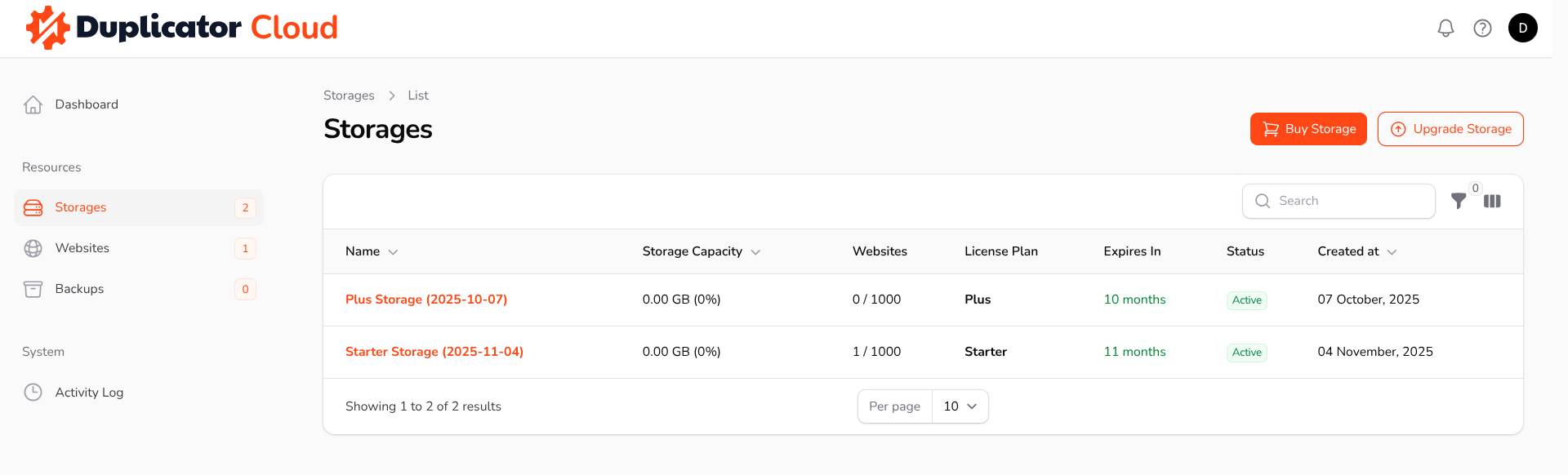
At this page, you can find a list of the storages which are available for your account.
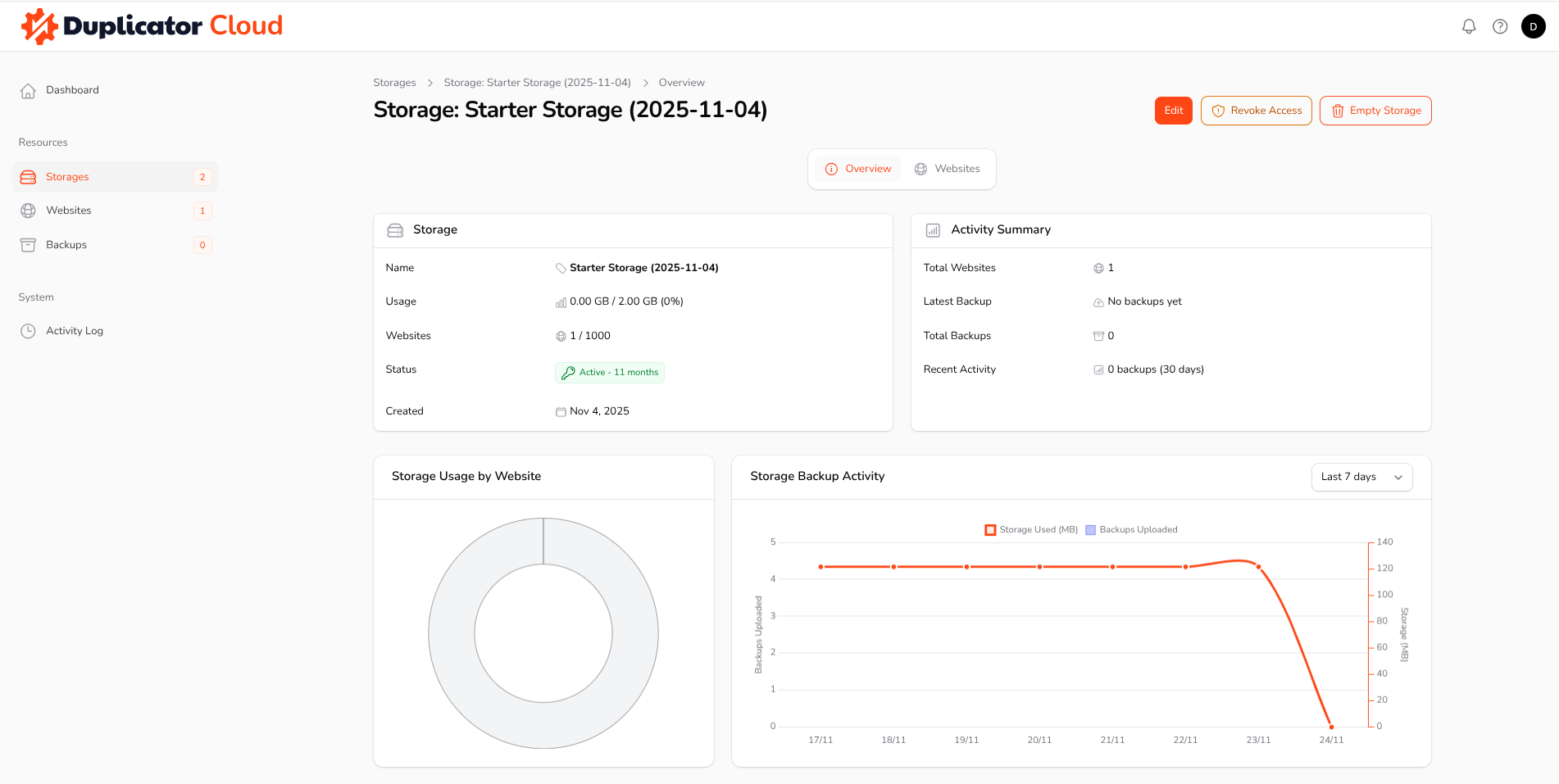
By selecting a specific storage, you will be directed to its dedicated Overview page. This page provides detailed information about that storage and allows you to perform several useful actions. Specifically, you can edit the storage settings, revoke access for all websites currently connected to it, or empty the storage entirely.
The Websites page, when accessed within a specific storage location, displays all the websites that are currently connected to that storage. This view also allows you to see the most recent backups that have been uploaded from those websites.
Websites
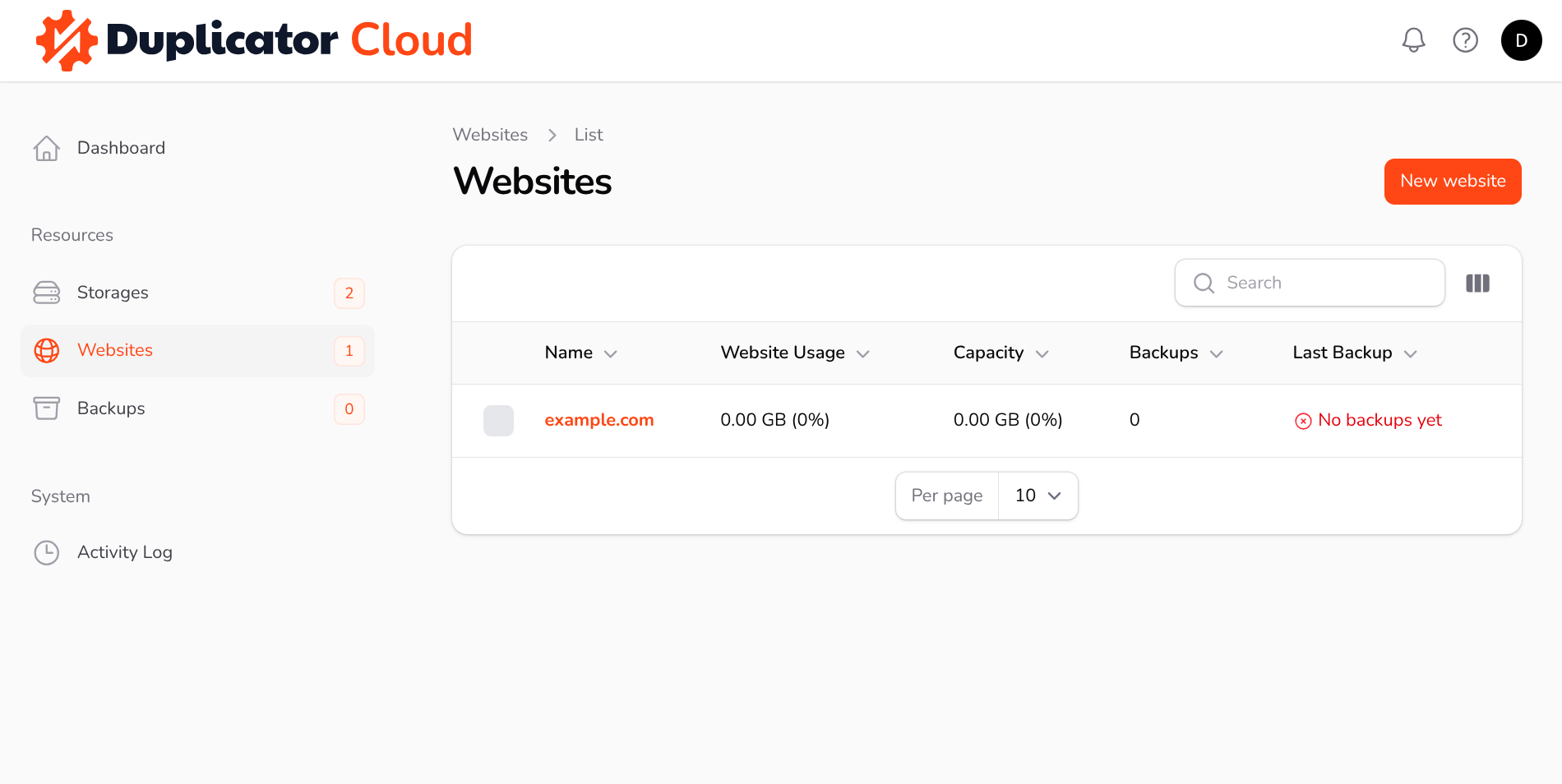
On the Websites page, you can find a list of websites which are connected to Duplicator Cloud.
Upon accessing the Overview page for a specific website, you will find detailed information regarding the backups uploaded from that site. This page also facilitates several key actions, such as editing the website-related information. Helpful Feature: If numerous websites are connected to the service, assigning a specific color to each one will make them instantly distinguishable at a glance.
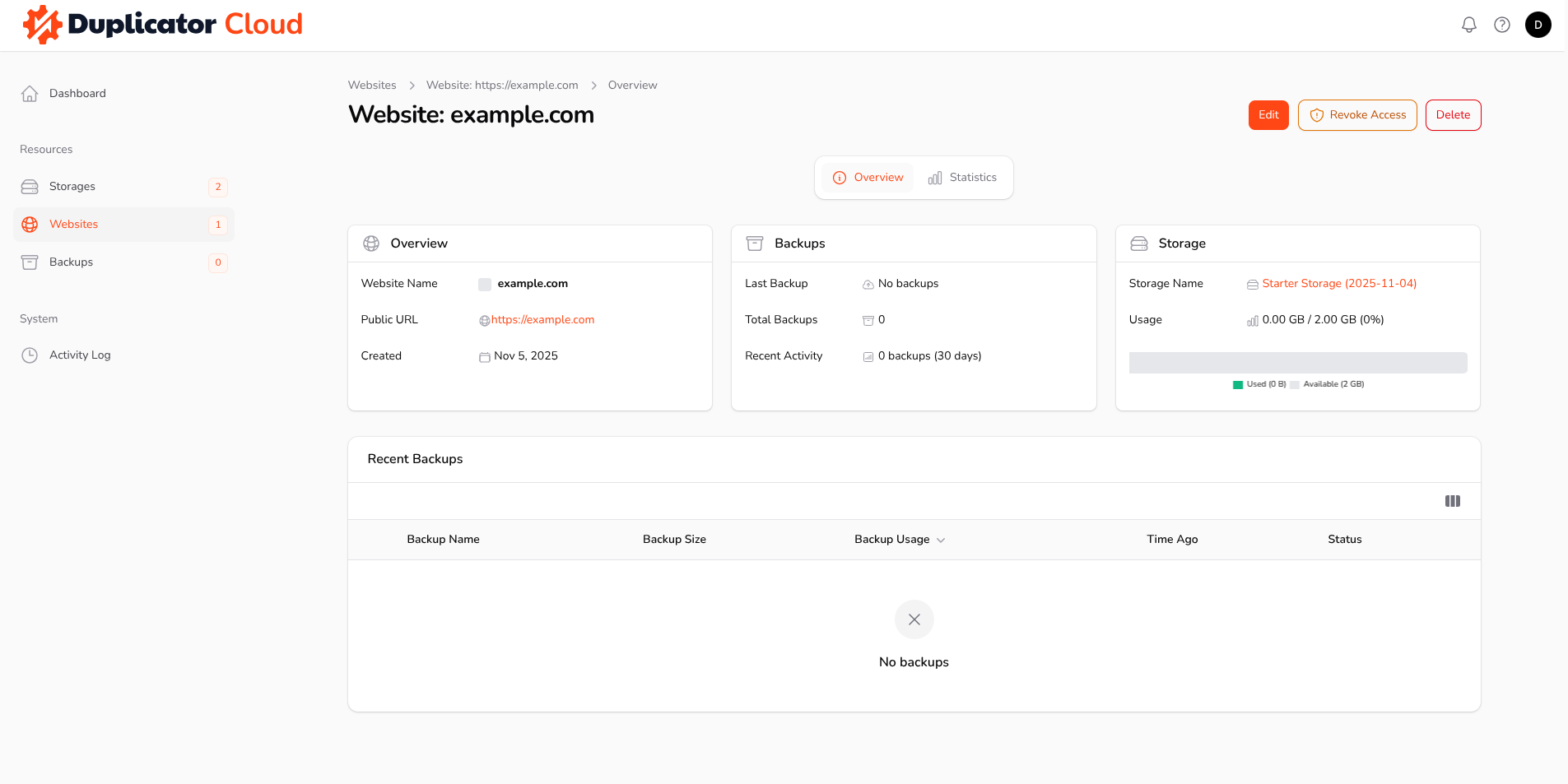
When the website’s access is revoked, it will no longer be possible to upload packages to Duplicator Cloud from that site until a new authorization has been performed. The Empty Website button will remove all backups that were uploaded from that specific website. Conversely, the Delete button will remove both the website and all its corresponding backups entirely from Duplicator Cloud.
Backups
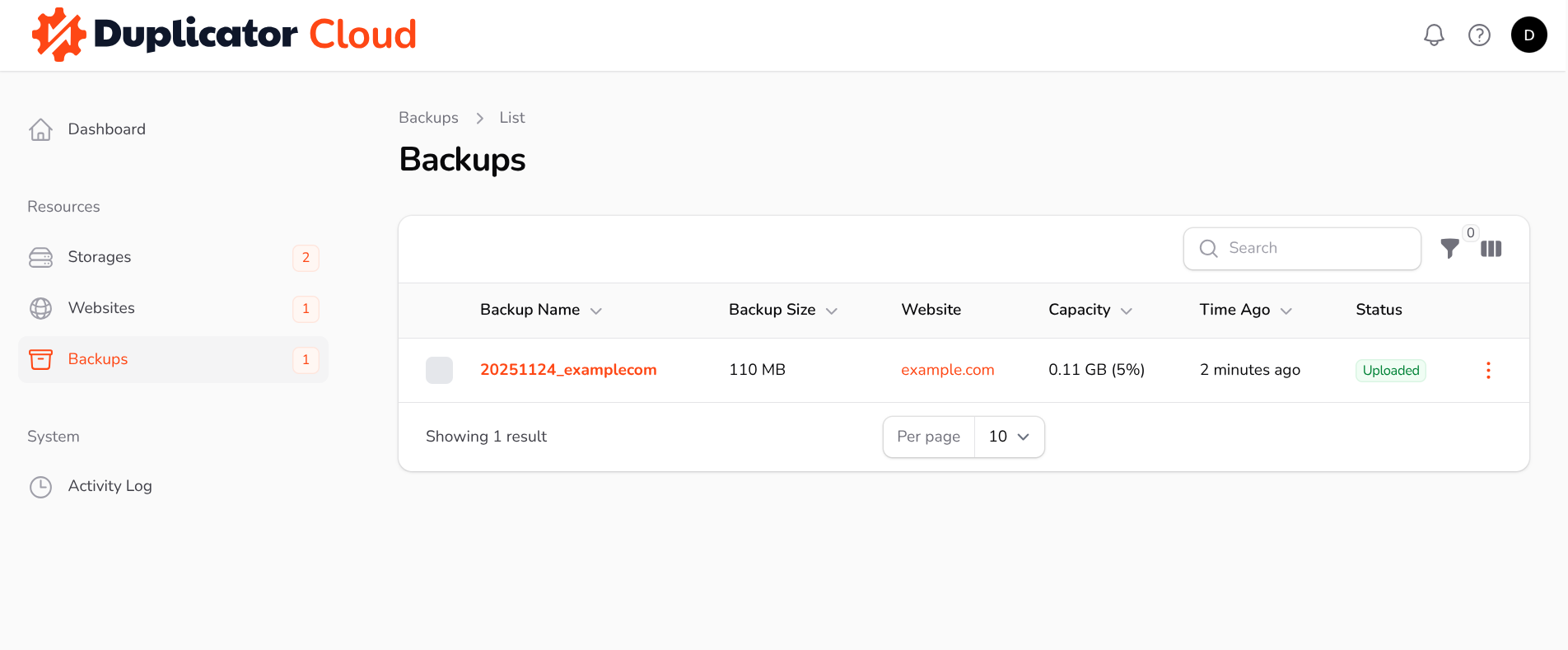
On this page, you can find a list of all backups which are currently available on Duplicator Cloud.
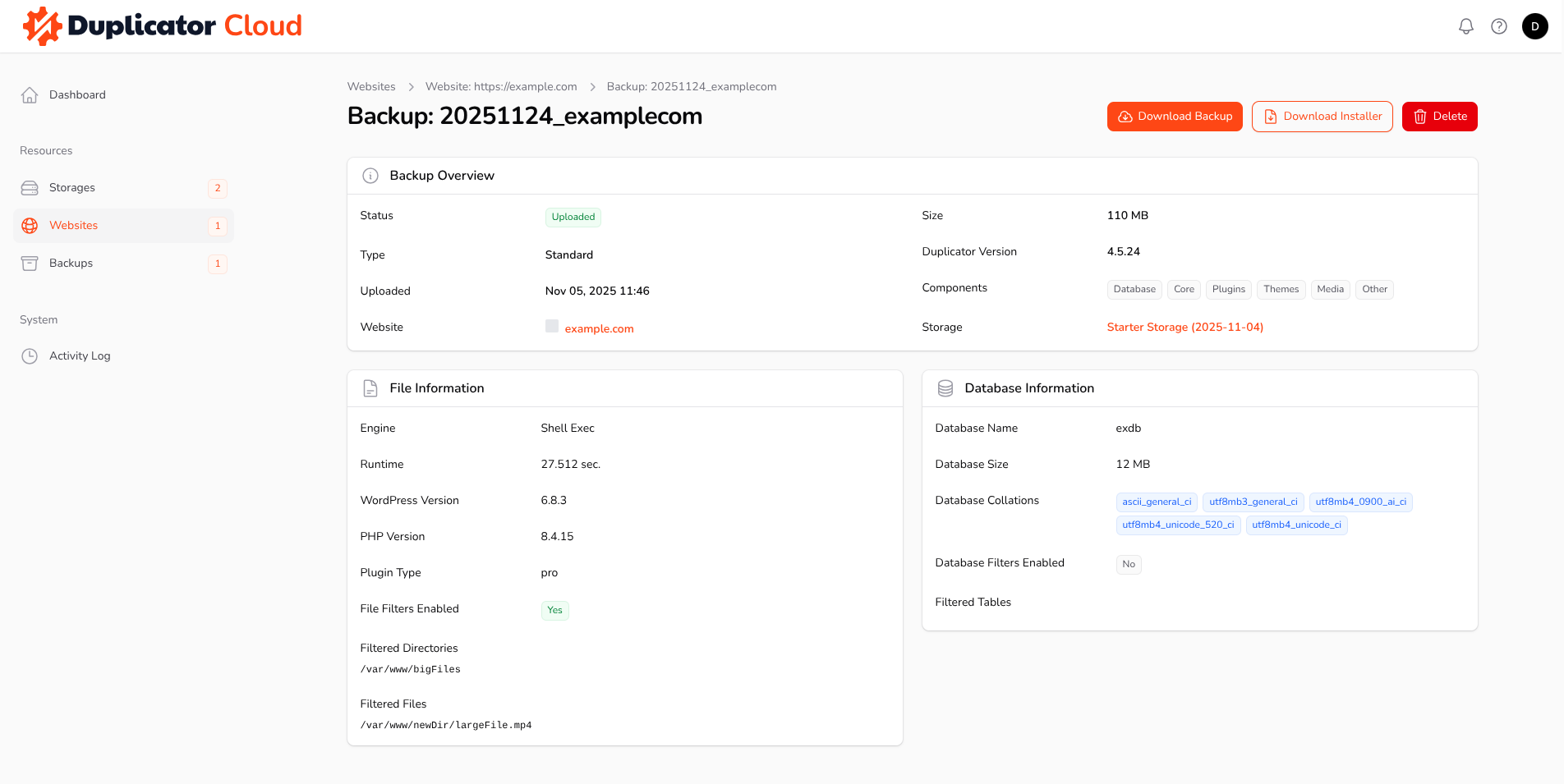
Upon opening the page for a specific backup, you will find comprehensive details about that package. This useful information includes the backup size, the archive engine used, and any files, folders, or database tables that were excluded (filtered) from the backup. From this page, you can also choose to download both the backup and its installer, or remove the backup from Duplicator Cloud if desired.
Activity Log
The Activity Log page presents a chronological list of recent operations and events. To access more specific information regarding any particular activity, you simply need to select the Details button associated with it.
Duplicator Cloud is a proprietary cloud storage solution developed by the Duplicator team, specifically tailored for managing WordPress backups created by the Duplicator Pro plugin. The features detailed above represent the capabilities currently available, with many additional enhancements actively under development. For any requests or feedback regarding potential features, please feel free to reach out to us, as we are constantly improving this service.


