

Configuring the Retention Window
The retention window keeps your most recent data safe from cleanup. This guide explains what it does, why it shapes both your cleanups and your health score, and how to change it.
The short version
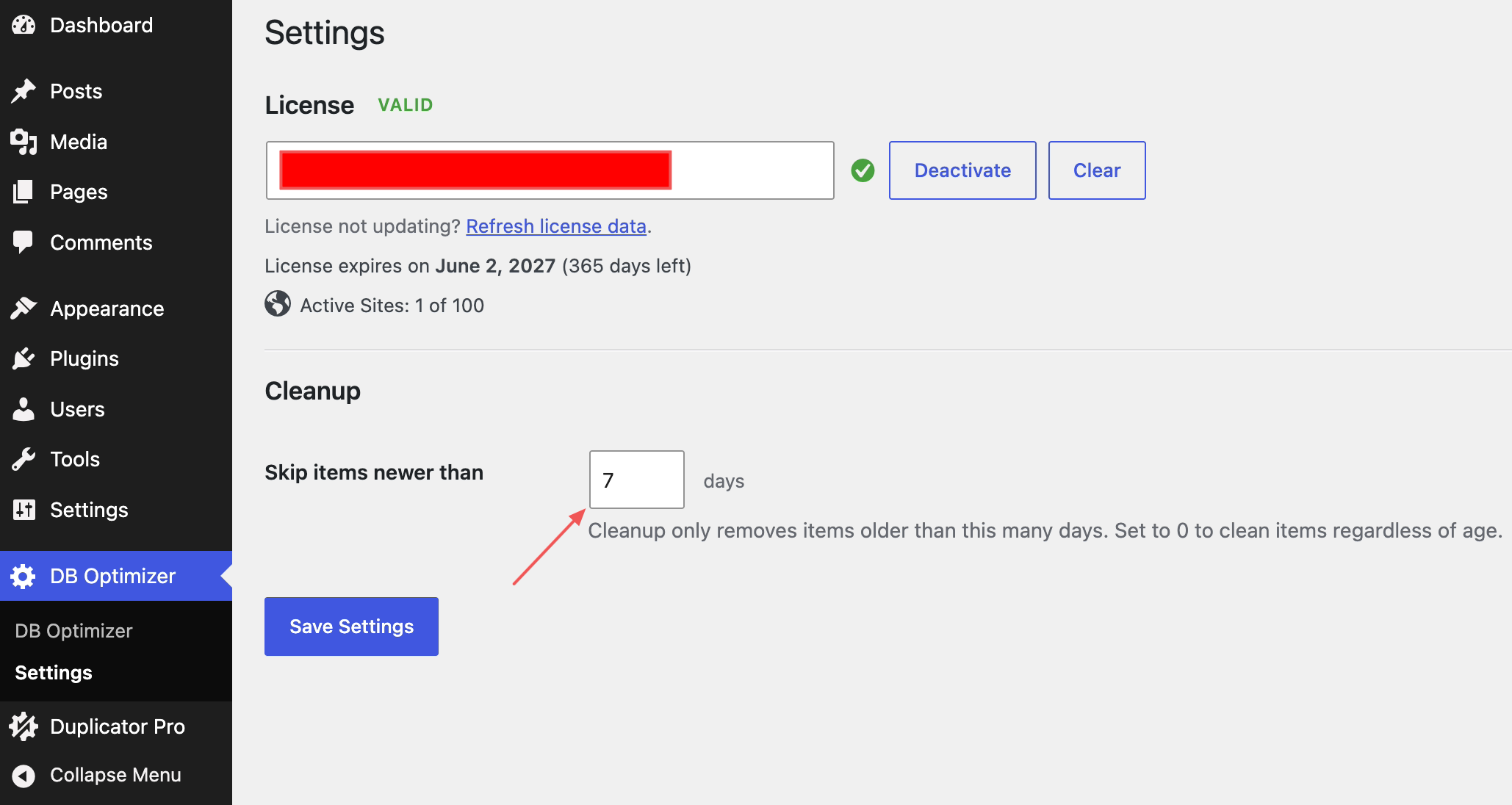
The retention window is a “keep last X days” setting. Anything newer than the window is protected: cleanup won’t delete it, even if you tick its box. Out of the box, the window is 7 days.
Think of it as a safety net. It means a routine cleanup never wipes out the revision you saved this morning or the comment someone trashed yesterday, while still clearing the older buildup you don’t need.
What the window protects
The window applies to time-based items, the ones where “how old is it” actually matters, such as:
- Post revisions
- Trashed posts and comments
- Other dated cleanup items
Anything newer than your window simply isn’t counted as removable, and it’s skipped during cleanup.
Why it changes your health score too
The health score is built to reflect what cleanup would actually remove. So it uses the same retention window: recent items inside the window don’t count as clutter, because cleanup wouldn’t touch them yet.
That keeps the score honest. If the score counted data that cleanup is busy protecting, you could clear everything you possibly could and still see a lower number than you’d earned.
Changing the window
- Open DB Optimizer and go to the Settings area.
- Find the retention setting (“keep last X days”).
- Type in the number of days you want to protect.
- Save.
Your new window kicks in the next time you view counts, run a cleanup, or refresh the health score.
Picking a number
| If you want to… | Set the window to… |
|---|---|
| Play it safe and keep a recent recovery cushion (what we’d suggest) | 7 days (the default) |
| Hold on to more history before anything goes | 14 to 30 days |
| Clean as hard as possible | A low number, like 1 day |


