

Managing Duplicator Cloud
Following the successful connection of Duplicator Pro with Duplicator Cloud, this article covers the different capabilities and options of the Cloud service.
It gives you a clear overview of the Duplicator Cloud interface: the Dashboard, Storages, Websites, Backups, and Activity Log pages.
Dashboard
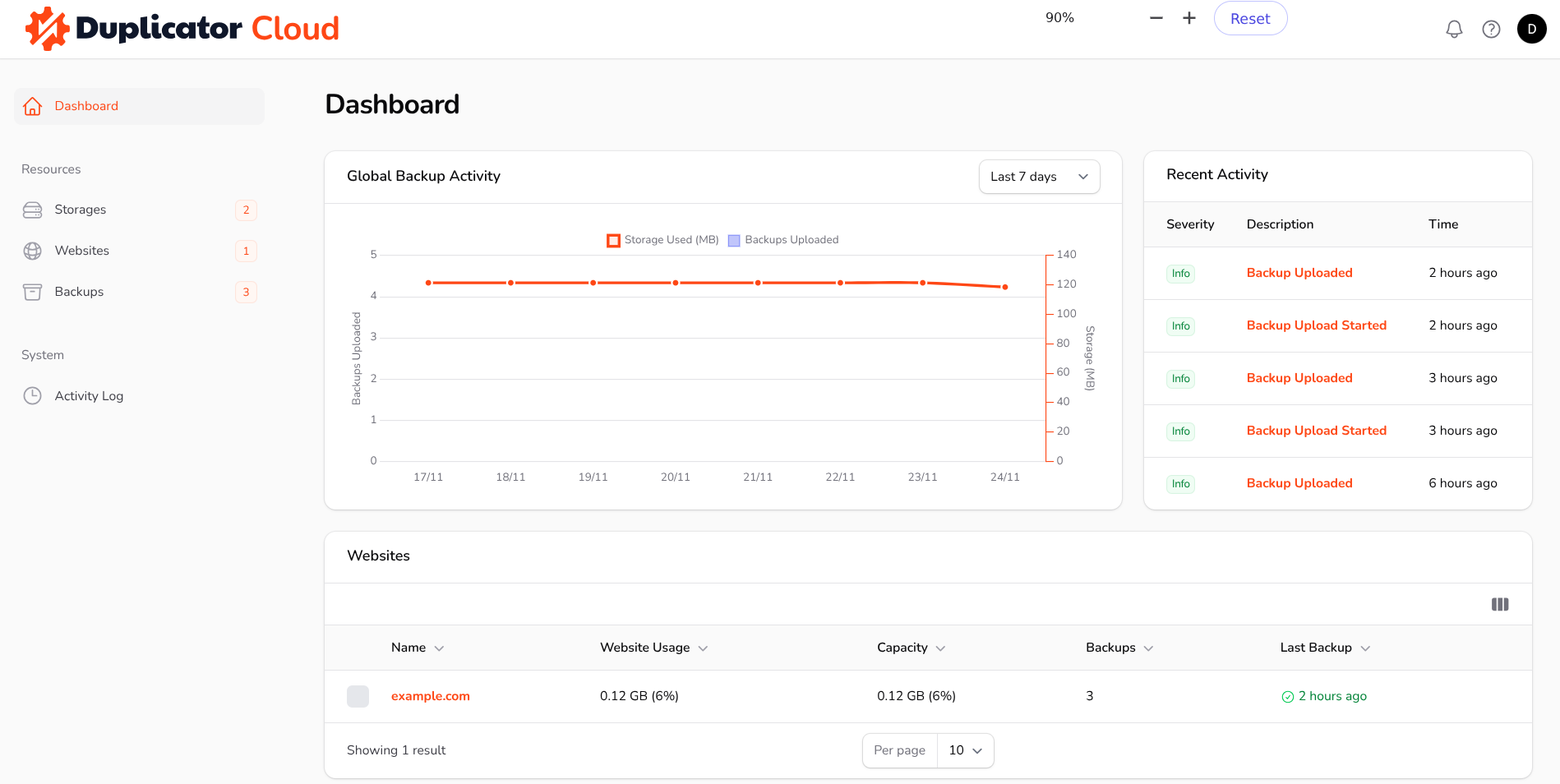
Upon accessing Duplicator Cloud, the initial view presented is the Dashboard. This page provides a quick, comprehensive overview of the most recent data through specialized widgets. The Global Backup Activity widget tracks when and how many backups have been uploaded to Duplicator Cloud, alongside the total size of all currently stored backups. The Recent Activity widget displays a timeline of the latest actions, such as backup uploads and removal, user logins, and other relevant information. Additionally, the page includes the Websites and Latest Backups widgets, which clearly indicate their respective content.
Storages
This page lists the storages available for your account.
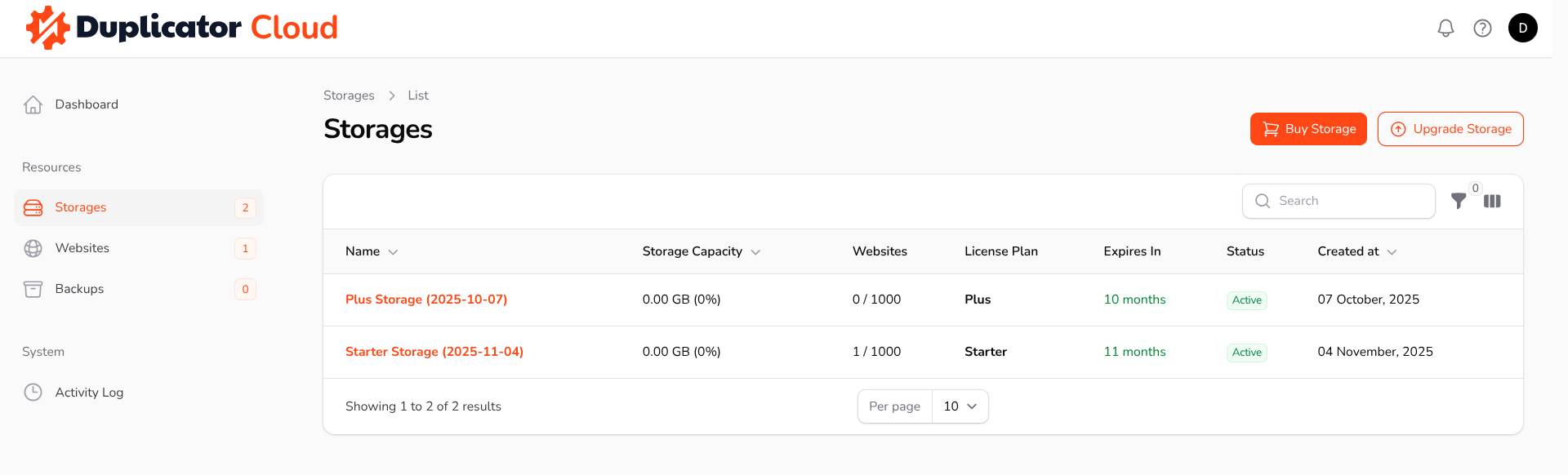
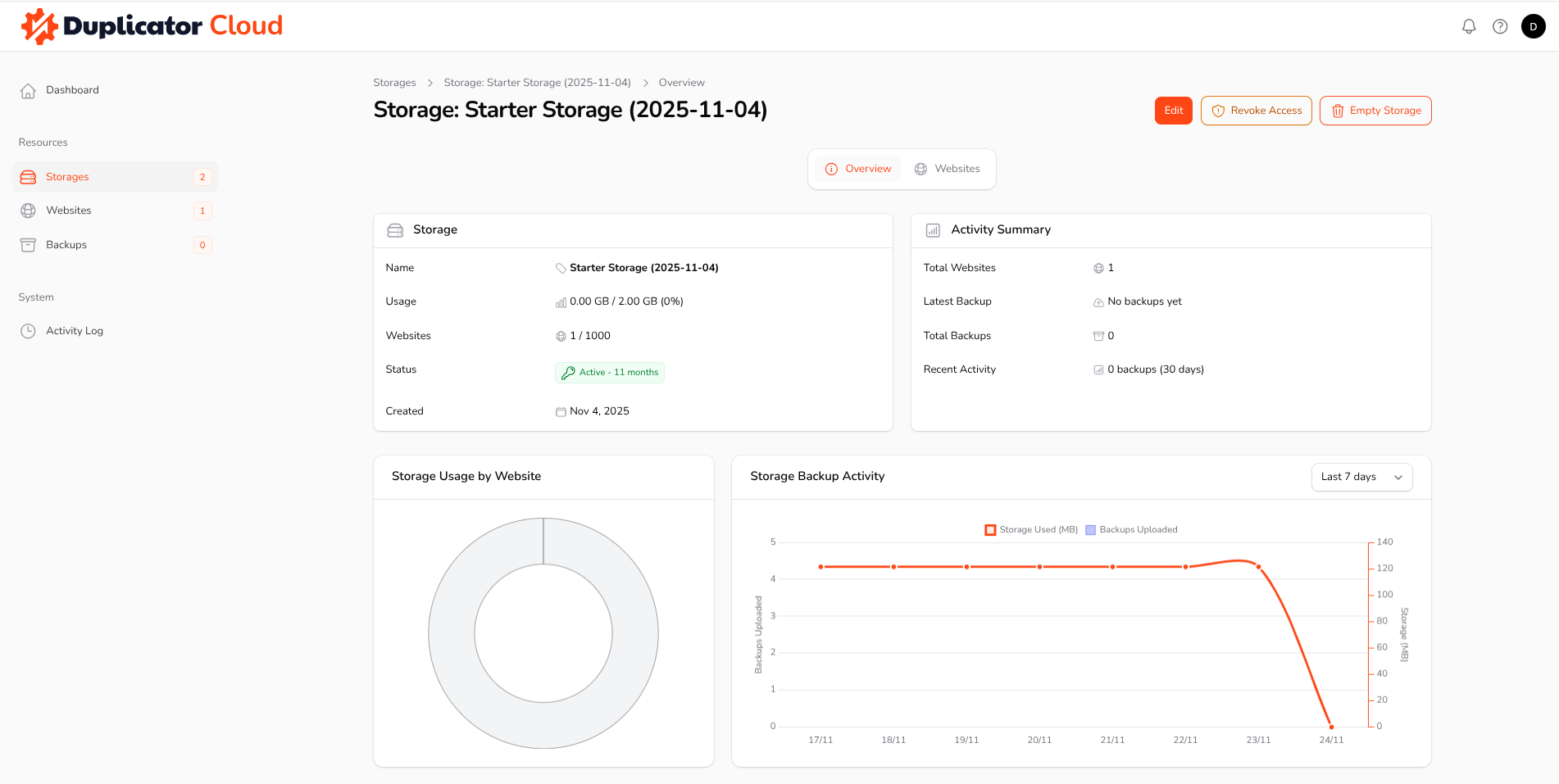
Selecting a specific storage opens its dedicated Overview page, with detailed information about that storage and several useful actions: edit the storage settings, revoke access for all websites currently connected to it, or empty the storage entirely.
The Websites page, when accessed within a specific storage location, displays all the websites that are currently connected to that storage. This view also allows you to see the most recent backups that have been uploaded from those websites.
Websites
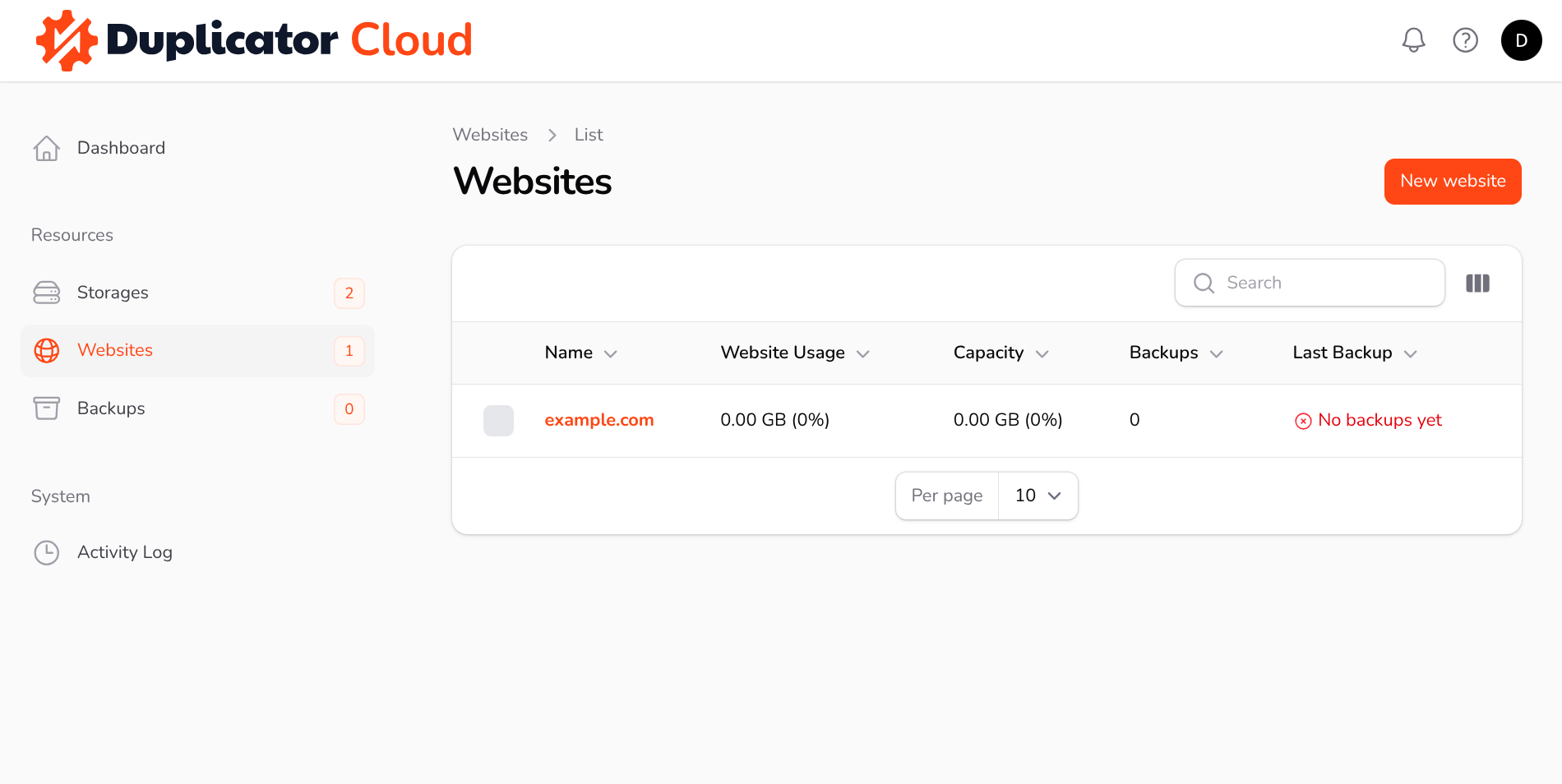
The Websites page lists all websites connected to Duplicator Cloud.
Upon accessing the Overview page for a specific website, you will find detailed information regarding the backups uploaded from that site. This page also facilitates several key actions, such as editing the website-related information. Helpful Feature: If numerous websites are connected to the service, assigning a specific color to each one will make them instantly distinguishable at a glance.
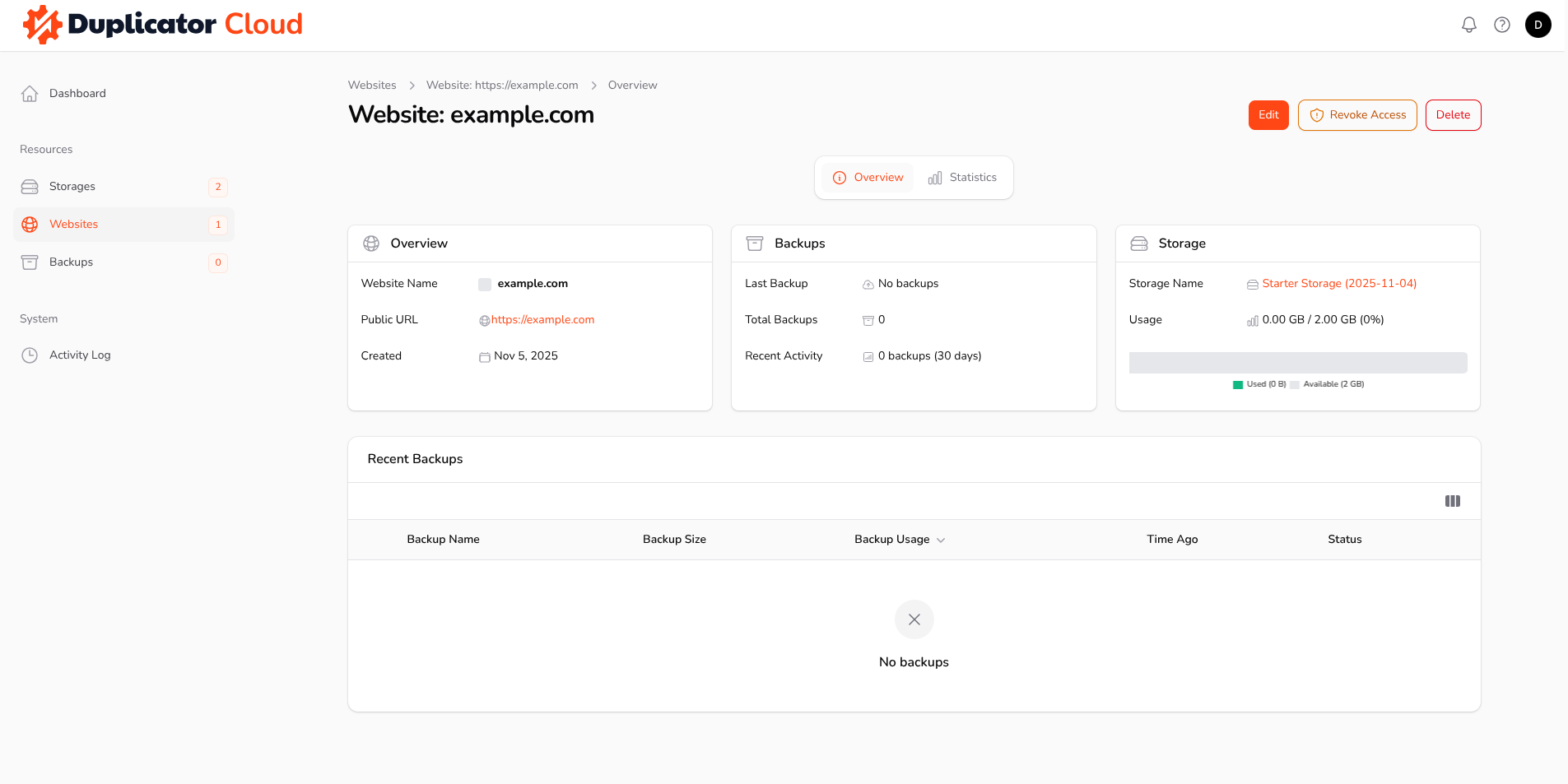
When the website’s access is revoked, it will no longer be possible to upload backups to Duplicator Cloud from that site until a new authorization has been performed. The Empty Website button will remove all backups that were uploaded from that specific website. Conversely, the Delete button will remove both the website and all its corresponding backups entirely from Duplicator Cloud.
Backups
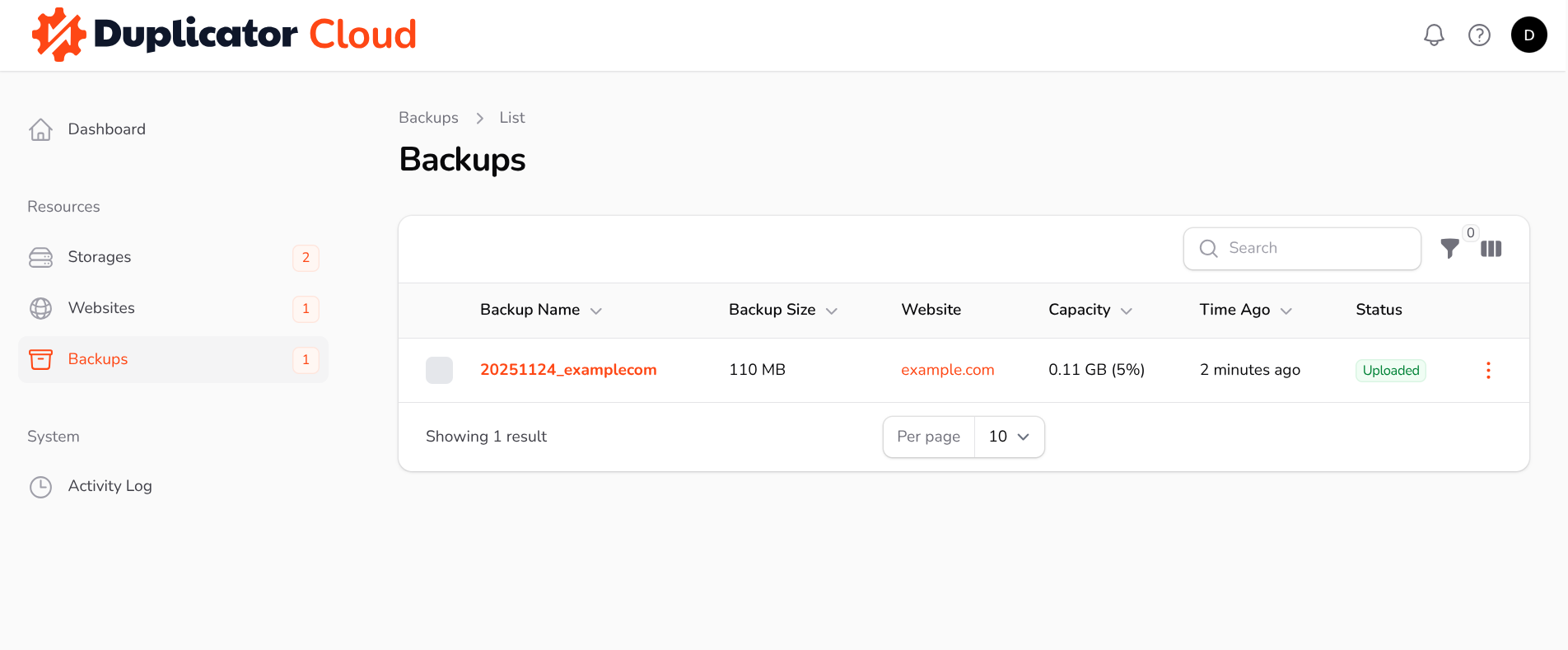
This page lists all backups currently available on Duplicator Cloud.
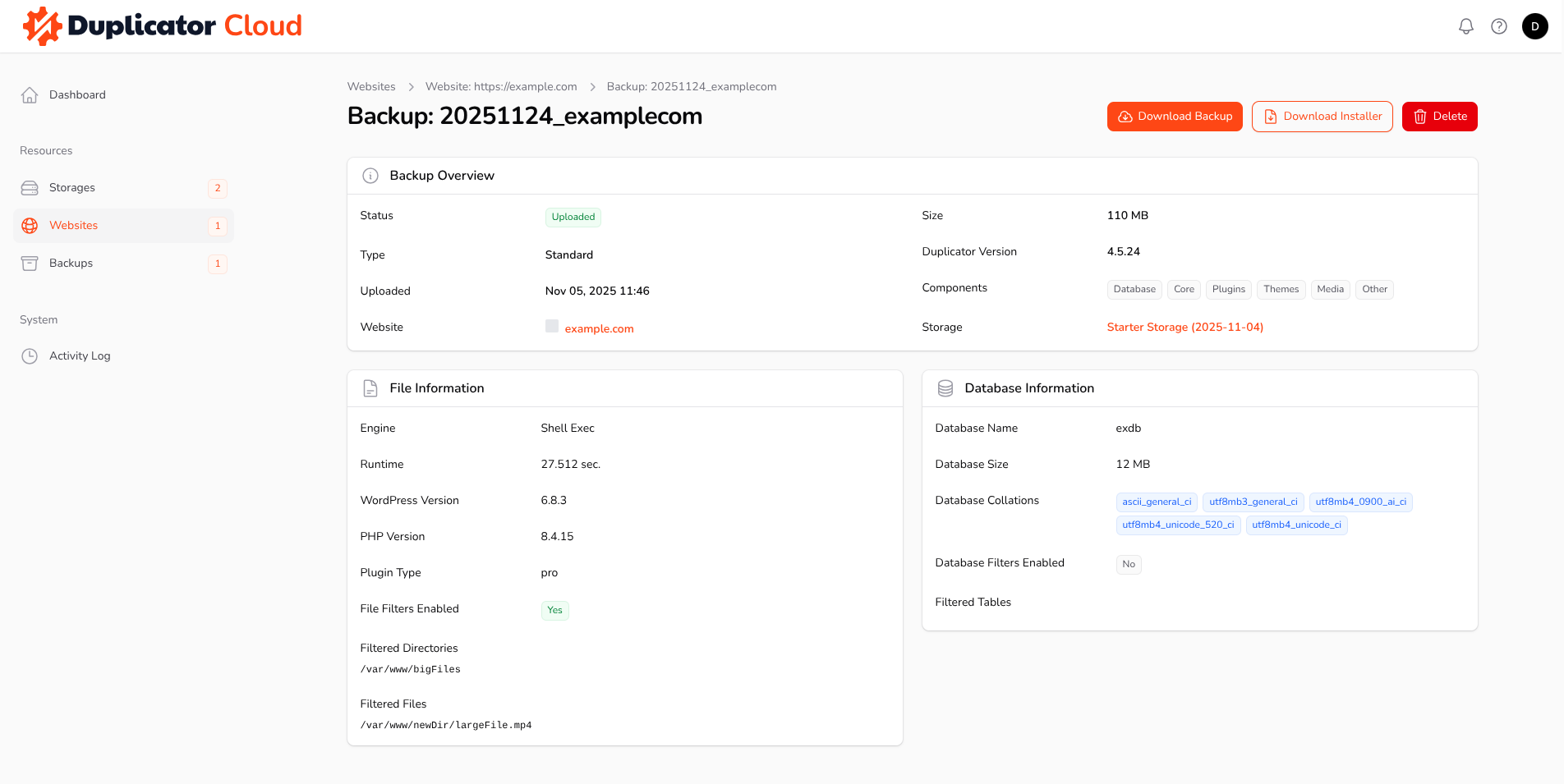
Opening the page for a specific backup shows comprehensive details: the backup size, the archive engine used, and any files, folders, or database tables that were excluded (filtered) from the backup. From this page, download both the backup and its installer, or remove the backup from Duplicator Cloud.
On the Duplicator Pro side, each Duplicator Cloud storage connection has its own Max Backups setting. When that limit is exceeded, the oldest backup is deleted automatically, set it to 0 for no limit. This is separate from your Duplicator Cloud storage plan’s own quota; we couldn’t find published documentation on exactly what happens when a plan reaches its storage limit or its subscription lapses, so check your account or reach out to support if that’s a concern.
Activity Log
The Activity Log page presents a chronological list of recent operations and events. To see more specific information about any particular activity, select its Details button.
Duplicator Cloud is a proprietary cloud storage solution developed by the Duplicator team, specifically tailored for managing WordPress backups created by the Duplicator Pro plugin. The features detailed above represent the capabilities currently available, with many additional enhancements actively under development. For any requests or feedback regarding potential features, please feel free to reach out to us, as we are constantly improving this service.
New to Duplicator Cloud? See Getting Duplicator Cloud Storage for how to purchase and connect it.


