

Activating Your DB Optimizer License
Activating your license
- Find your license key in your account at https://duplicator.com/my-account/.
- In your WordPress admin, go to DB Optimizer » Settings » License
- Paste your key into the field.
- Click Activate.
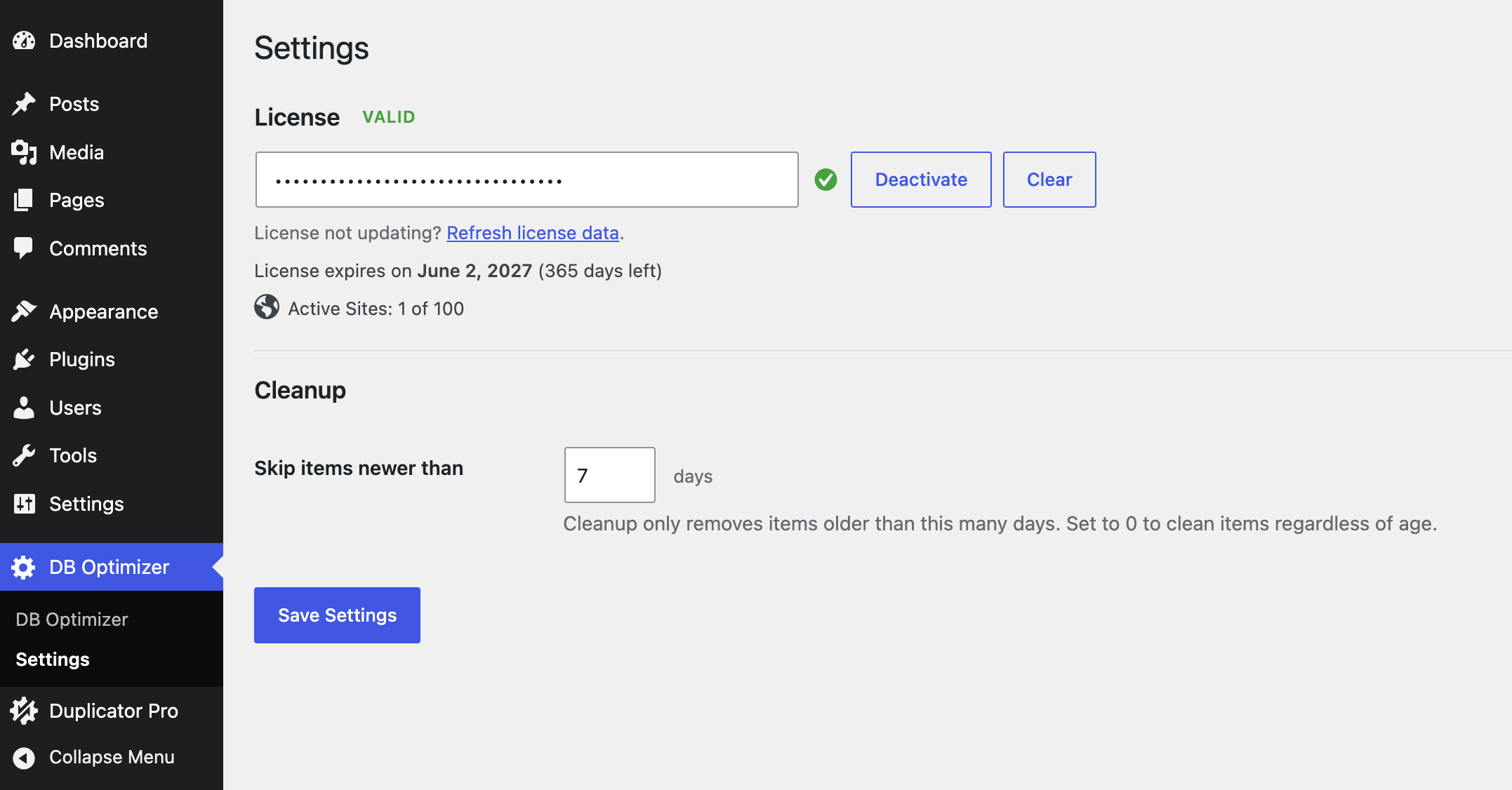
That’s it. Update notifications will start arriving automatically.
Deactivating your license
Moving the license to another site, or taking a site offline? Deactivate first:
- Open the License area.
- Click Deactivate.
This frees up the activation so you can use the key somewhere else.
What the plugin sends, and when
It connects to the Duplicator licensing API at https://duplicator.com to check your key and look for updates.
When it connects:
- When you activate a license.
- When you deactivate a license.
- On a quiet background check roughly once a day while a license is active.
- When WordPress runs its usual check for plugin updates.
What it sends:
- Your license key
- The plugin version
- Your site URL
- The type of request (`activate_license`, `check_license`, `deactivate_license`, or `get_version`)
For the full details, see the Duplicator Terms of Service (https://duplicator.com/terms/) and Privacy Policy (https://duplicator.com/privacy-policy/).


